Choice
The Choice activity (mod_choice) asks students a single question and offers a set of answer options to vote on. The AI generates the title, the question in the description, and the list of options, and configures the choice settings requested in the prompt.
AI-generated settings
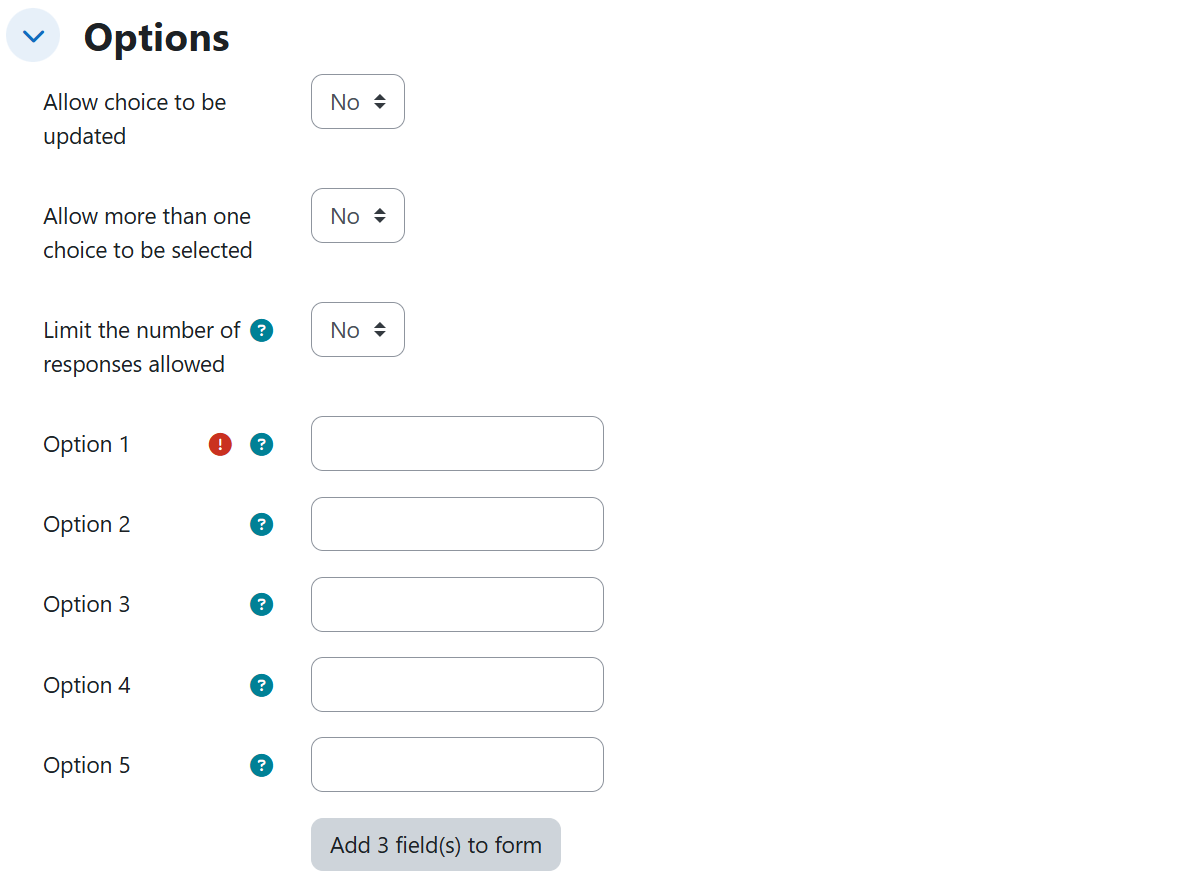
Options
| Setting | Description | Possible values | Default |
|---|---|---|---|
| Allow choice to be updated | Lets students change their answer after responding. | Yes / No | No |
| Allow more than one choice to be selected | Lets students select several options at once. | Yes / No | No |
| Limit the number of responses allowed | Enables a per-option cap on responses. | Yes / No | No |
| Limit | Maximum responses allowed per option (set on each option). | Number (e.g. 8) | — |
| Show available spaces | Shows how many spaces remain in each option. | Yes / No | No |
Appearance
| Setting | Description | Possible values | Default |
|---|---|---|---|
| Display mode for the options | How the options are laid out. | Display horizontally / Display vertically | Display horizontally |
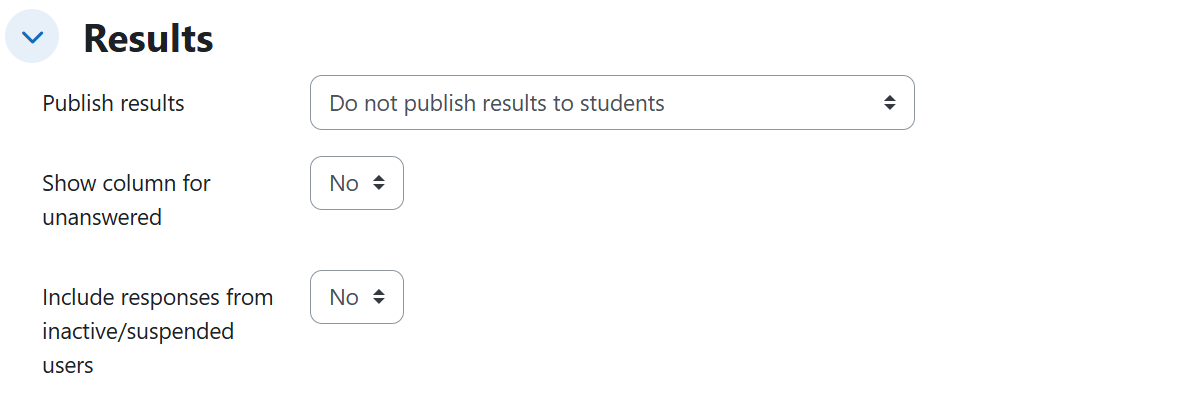
Results
| Setting | Description | Possible values | Default |
|---|---|---|---|
| Publish results | When students can see the results. | Do not publish results to students / Show results to students after they answer / Show results to students only after the choice is closed / Always show results to students | Do not publish results to students |
| Privacy of results | Whether results show student names. | Publish anonymous results, do not show student names / Publish full results, showing names and their choices | — |
| Show column for unanswered | Shows a column with students who have not answered yet. | Yes / No | No |
Availability
| Setting | Description | Possible values | Default |
|---|---|---|---|
| Allow responses from | Date (and optionally time) when responses open. | Disabled, or a date resolved from the prompt | Disabled |
| Allow responses until | Date when responses close. | Disabled, or a date resolved from the prompt | Disabled |
| Show preview | Lets students preview the options before responses open. | Yes / No | No |
Generated content
- A title for the activity.
- The question posed to students, written in the description.
- The list of answer options, derived from the prompt (or, with a syllabus, from the topics of the referenced unit).
Rules and behavior
- A single requested cap enables response limiting for all options. Asking for one capacity value (e.g. "each option admits at most 8 people") sets "Limit the number of responses allowed" to Yes and applies the same "Limit" value to every option.
- Privacy of results is only stored when results are published. With "Publish results" at "Do not publish results to students", a requested privacy value is discarded.
- Show preview is only emitted when there is an opening date, because the Moodle form disables it without one.
- An explicit time in the prompt is respected (e.g. "open it at 8 in the morning"); otherwise an opening day starts at 00:00 and a closing day ends at 23:59.
- A relative closing period counts from the resolved opening date, not from the moment of creation; an absolute date always wins over a relative period for the same endpoint.
Example prompts
Without syllabus
A baseline choice with all settings at their default values:
I need a choice for the Project Management course where students pick the methodology they want to use for their final project. Pose the question to them in the description and give them the usual options.
Per-option caps, vertical layout, updatable answers, and anonymous results after answering:
Create a choice for the Field Biology course where they pick the field trip they want to attend. The options are long, so display them one below the other; each trip admits at most 8 people and I want them to see how many spots remain free. Let them change their choice if they have second thoughts and, as soon as they answer, let them see how the vote is going, but without revealing who chose what.
With syllabus
Exact dates with an explicit opening time, preview enabled, and results published only after closing:
I need a choice on unit 2 of the syllabus so students pick the focus of their essay on ethical leadership: give them as options the conflicts with data governance covered in that unit, such as data privacy, the ethics of artificial intelligence, or cybersecurity. Open it on November 3, 2026 at 8 in the morning and close it on November 17, 2026, but let them see the options right away so they can start thinking about it. The results are only visible once the choice has already closed.
Relative availability with results never published to students:
Set up a choice covering the whole syllabus I uploaded, so students pick the unit of the document they will base the improvement proposal of their final defense on. Have it open in one week and stay available for two weeks. The results are for me only; students must not see them.