Conditions
Conditions define when a rule should trigger and who it applies to.
- A condition detects users that match a criterion (completion, inactivity, grades, deadlines).
- The action(s) decide what happens next (send a notification, enable an activity, etc.).
This page explains how to add conditions and what each available condition does.
Adding conditions to the rule
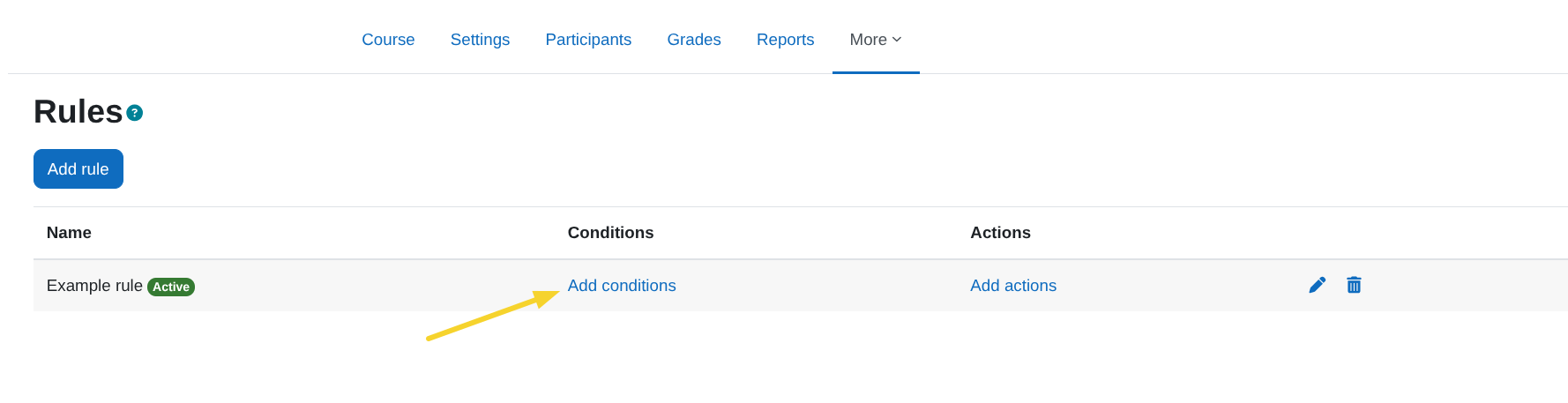
- Click on the link
Add conditions.
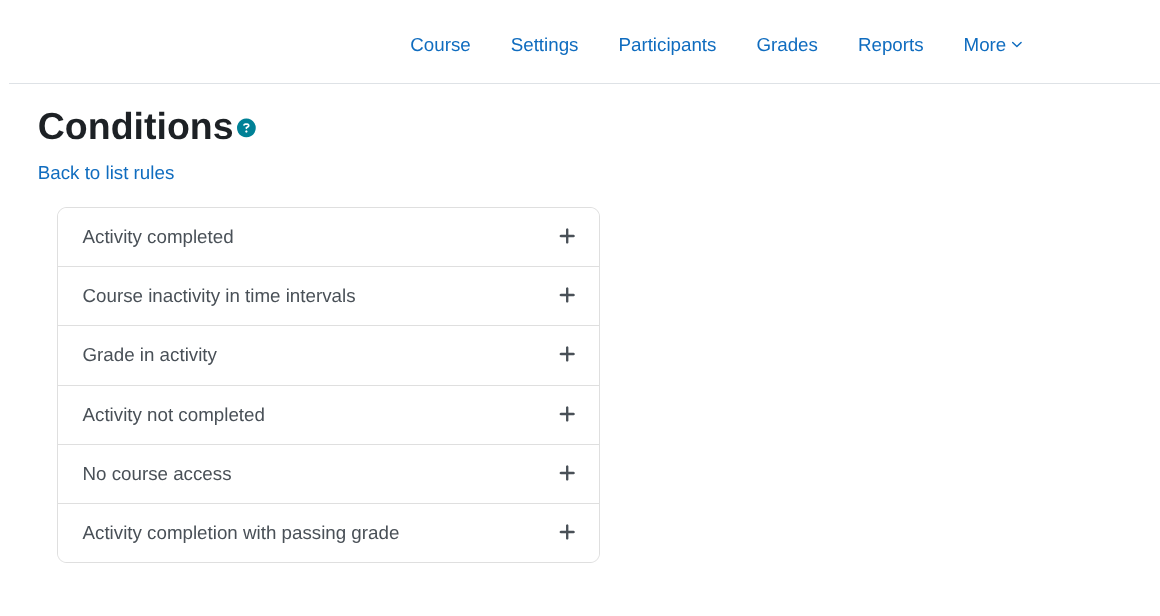
- A view similar to the following will appear with the list of available conditions from which we can select the one we want to add.
The information about each condition can be found in the following section Available conditions.