Course inactivity at time intervals
Description
This condition makes it easy to identify students who have not accessed the course for specific periods of time from a base date, such as their enrolment date. You can configure it to send automatic reminders to those who have gone 7, 15, 22 days (or any desired interval) without entering the course, helping you maintain engagement and reduce inactivity.
Whether by evaluating custom intervals or by recurring monitoring at a fixed cadence, this condition helps keep students engaged and active in the course.
This condition runs recurrently every day at 00:00, 06:00, 12:00, and 18:00 via the scheduled task local_coursedynamicrules\task\course_inactivity_task.
IMPORTANT! Do not modify this scheduled task's execution times, as it may cause inconsistencies when evaluating the condition.
💡 Simple way to choose:
- Use Custom intervals when you want specific checkpoints (like 7, 15, 22).
- Use Recurring interval when you want a steady cadence (like every 7 days).
Condition configuration
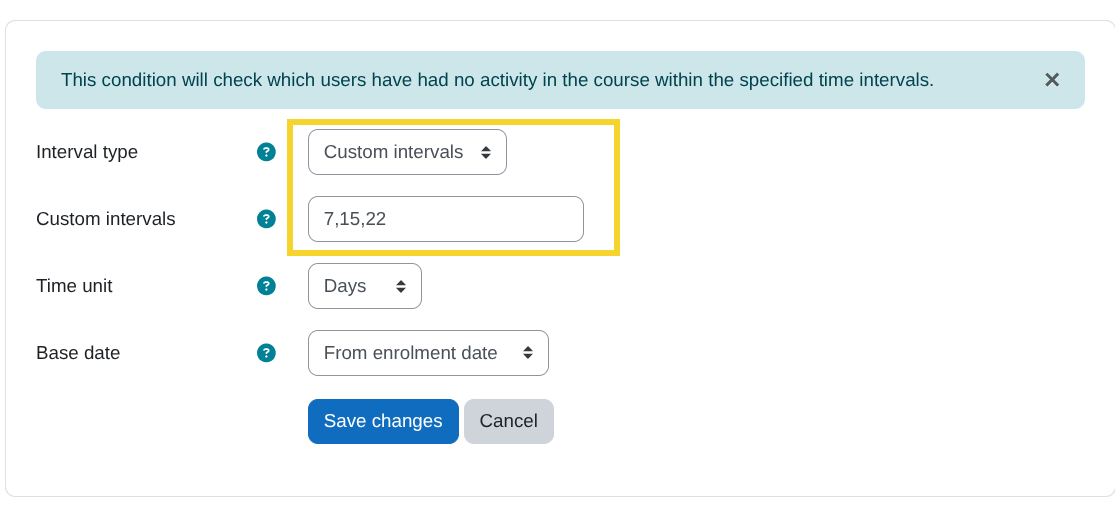
- Custom intervals:
Allows you to enter multiple time intervals separated by commas(,), for example:7,15,22. The condition will be evaluated at each specified interval, in this case every 7, 15, and 22daysorweeksormonths, depending on the selected time unit.
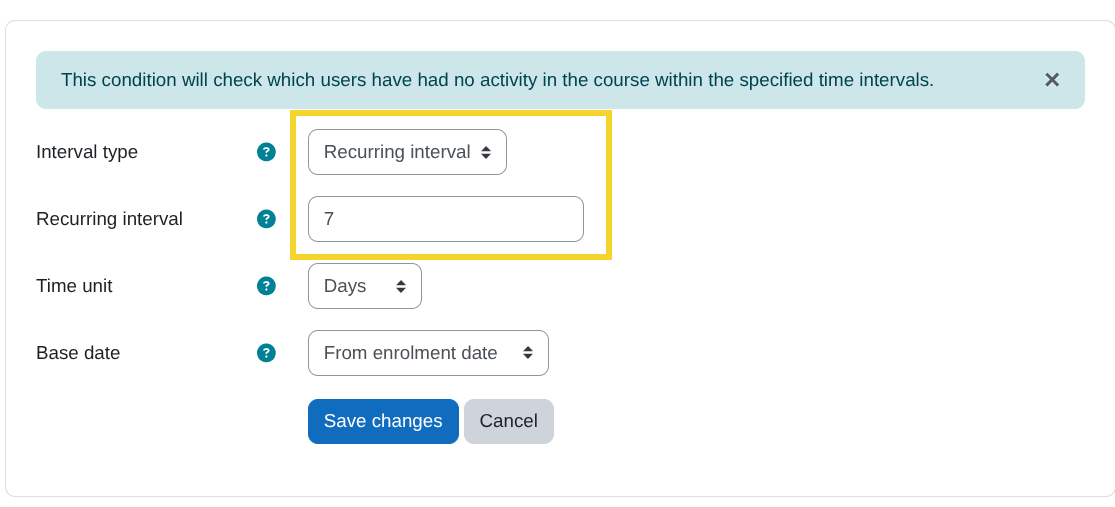
- Recurring interval:
Allows you to enter a single interval so the condition is evaluated repeatedly at the specified cadence, for example:7, which means the evaluation runs every 7daysorweeksormonths, depending on the selected time unit.
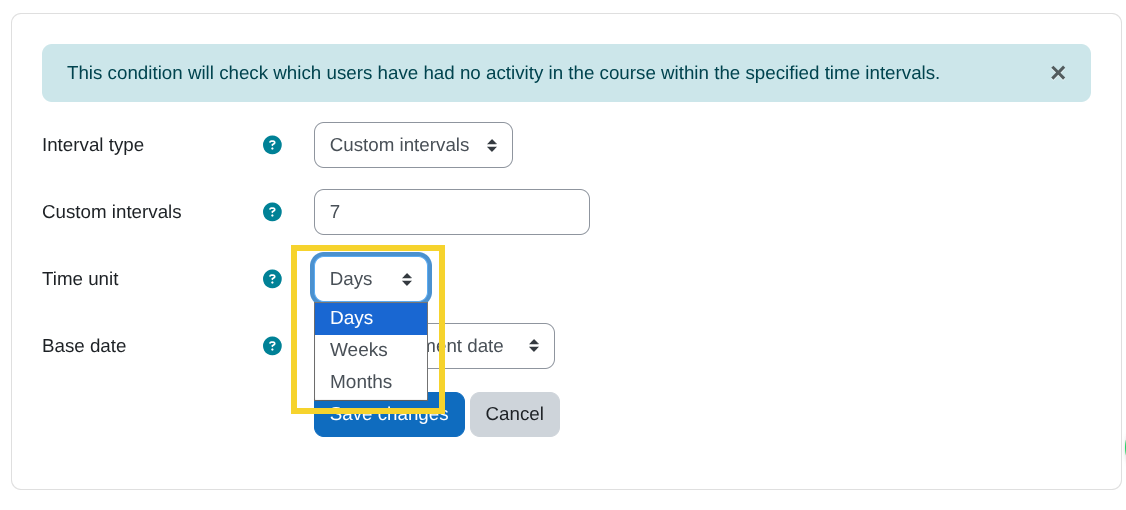
- Time unit:
Select the unit of time in which the condition will be evaluated. Available options:days,weeks,months.
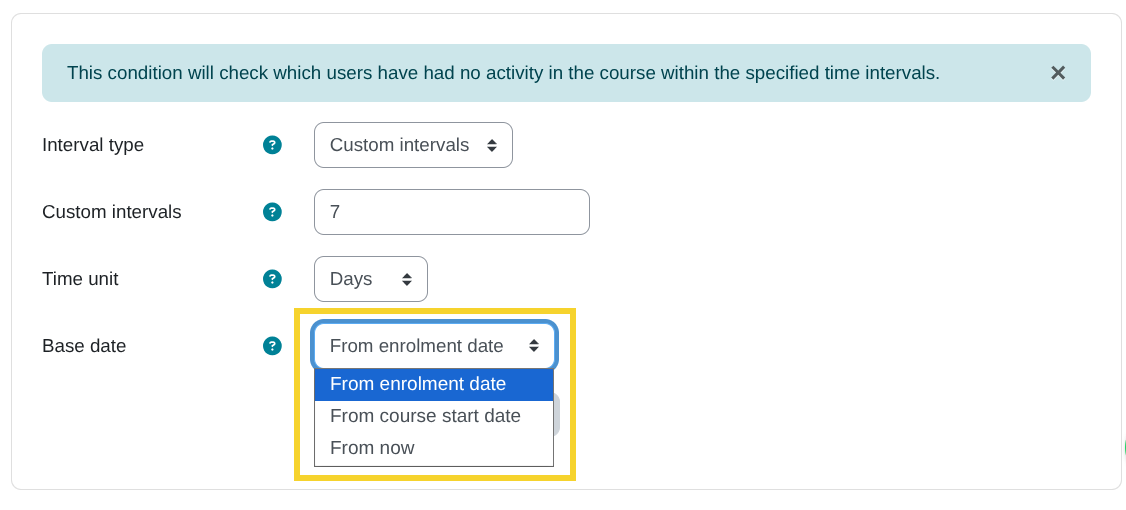
- Base date:
Select the base date from which the condition will be evaluated. Available options:From enrolment date: Intervals are counted from each user's enrolment date in the course.From course start date: Intervals are counted from the course start date.From now: Intervals are counted from the date the rule is created.