Overview
Smart Rules AI helps teachers and administrators automate course follow-ups using simple logic:
If a learner meets a condition → then Moodle performs an action.
This is useful when you want Moodle to respond automatically to common learning situations—without manually checking every learner.
What you can automate
Smart Rules AI can react to:
- Activity progress (completed / not completed)
- Grades (above or below a threshold)
- Learner behavior (for example, inactivity or no course access)
Typical outcomes include:
- Sending reminders or nudges to reduce inactivity
- Unlocking activities for specific learners
- Creating AI reinforcement activities for learners who need extra practice
How it works (mental model)
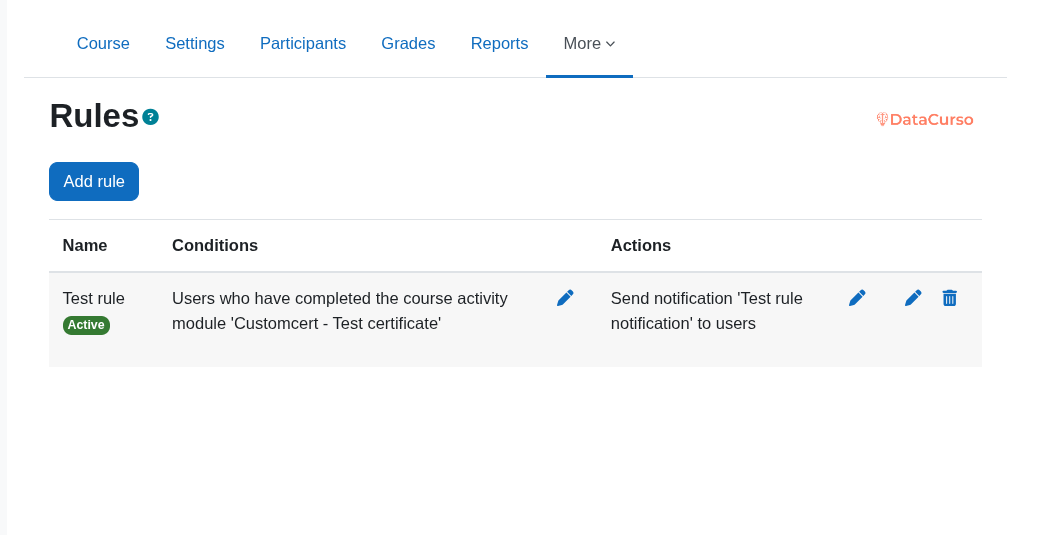
A rule has three parts:
- Rule: the container (name + active/inactive)
- Condition: who should match and when
- Action: what should happen for the matched learners
Where it fits in Datacurso AI
Smart Rules AI is built on the Datacurso AI Provider and is part of the Datacurso AI Plugin Suite. This is what enables AI-powered actions (like generating reinforcement activities) while keeping the workflow inside Moodle.
Recommended path (first-time users)
- Review Prerequisites (especially Moodle cron)
- Complete Installation (admins)
- Create your first automation in Quickstart
- Use Available conditions and Available actions as a reference when building more advanced rules