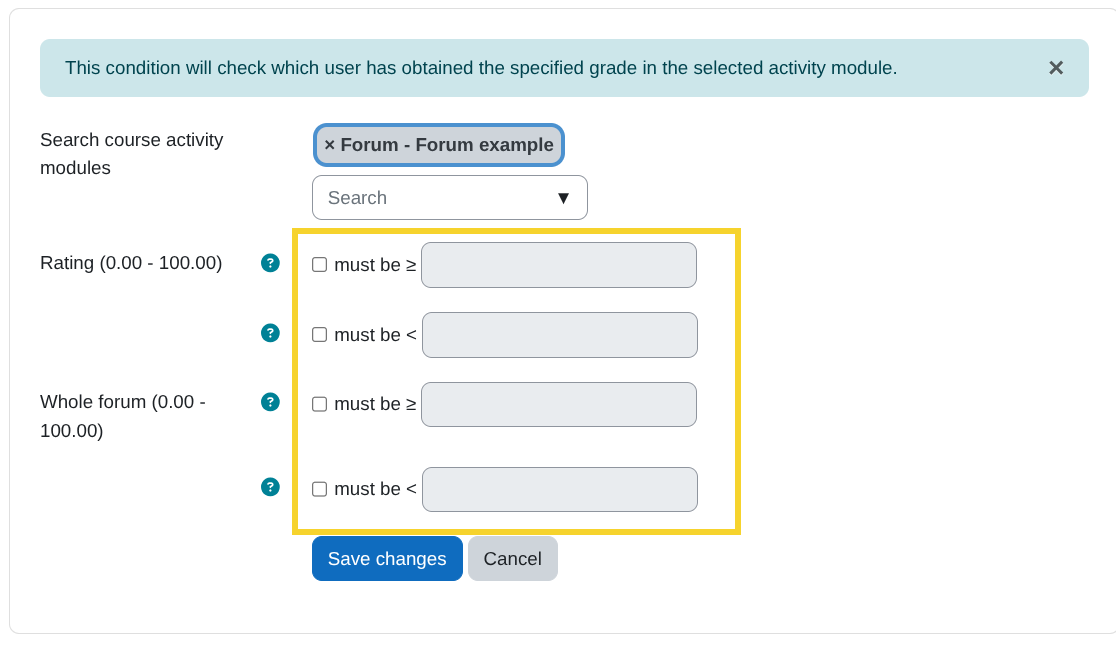
Grade in activity
Description
Use this condition to evaluate users' grades in a gradable activity. If the selected activity has multiple grade items, a dropdown will be shown with the available items.
For example, in the Forum module, available grade items may include:
- Whole forum grading
- Grades
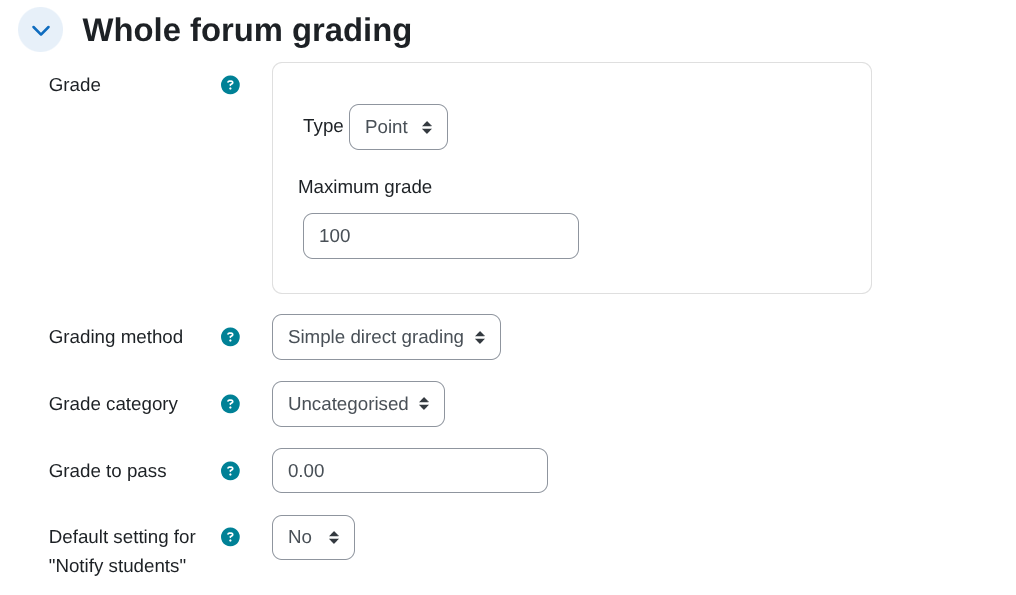
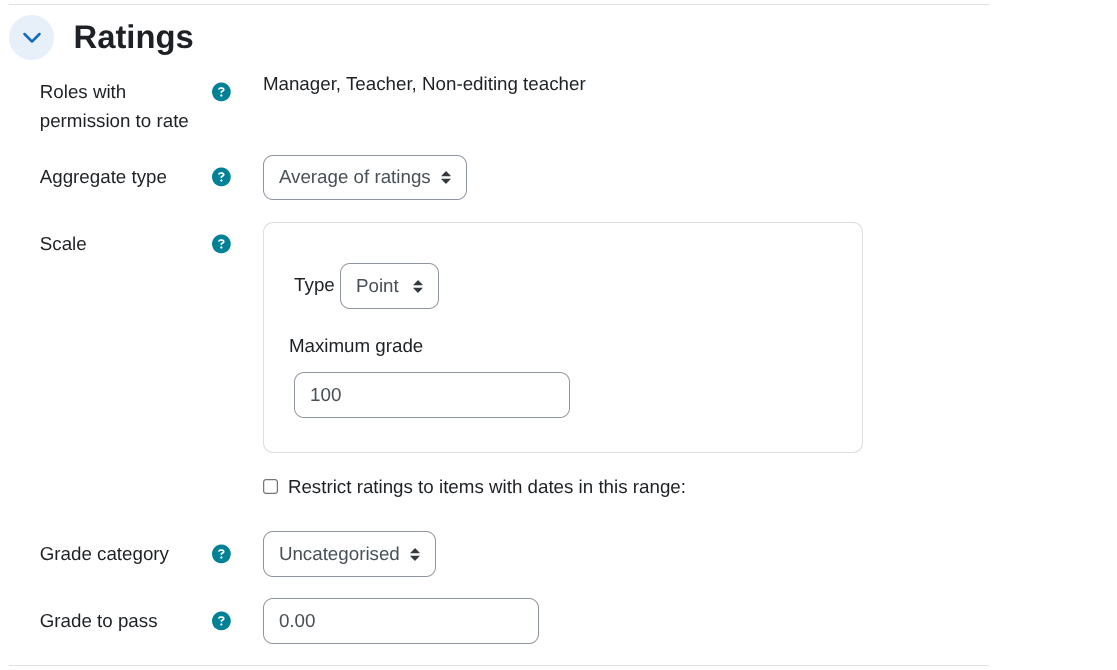
💡 In practice: this is the condition you use for “low score intervention” or “high score reward”.
Condition configuration
- Search course activity modules:
From this search field, select the activity module where you want to check grades.
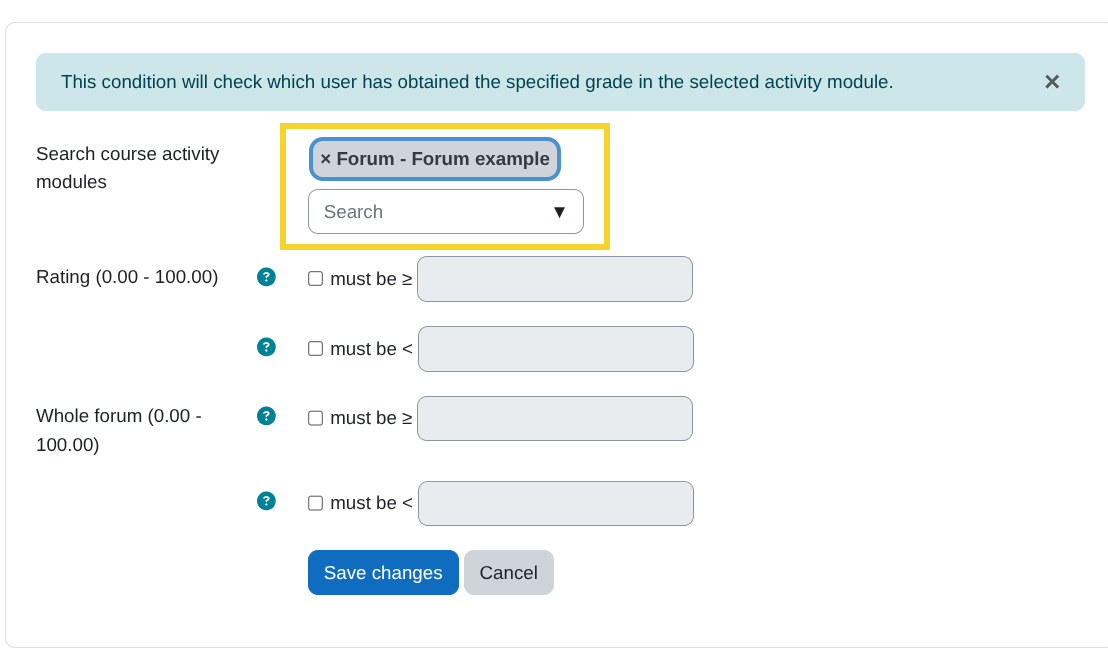
Note: Only activity modules that have at least the following setting in the Activity completion section will appear:
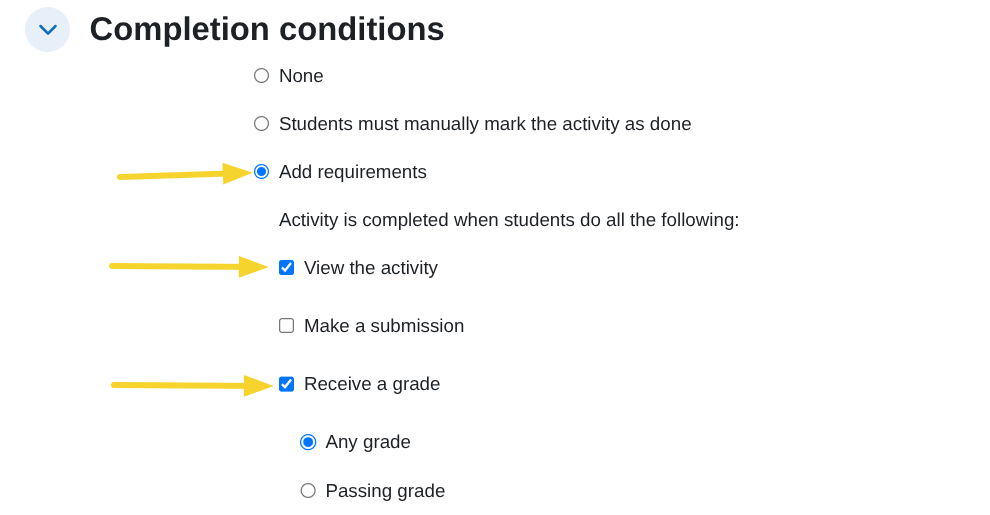
- Comparison options:
After selecting the activity, define the comparison conditions based on the available grade items. Two options are provided:Must be ≥: The condition is met if the user's grade is greater than or equal to the specified value.Must be <: The condition is met if the user's grade is less than the specified value.