Actions
In Smart Rules AI, an action defines what happens after a condition matches one or more users.
- Conditions decide who is matched.
- Actions decide what to do for those matched users (send a notification, enable an activity, create reinforcement content, etc.).
This page explains how to add actions and describes each available action.
Add actions to the rule
- Click the
Add actionslink.
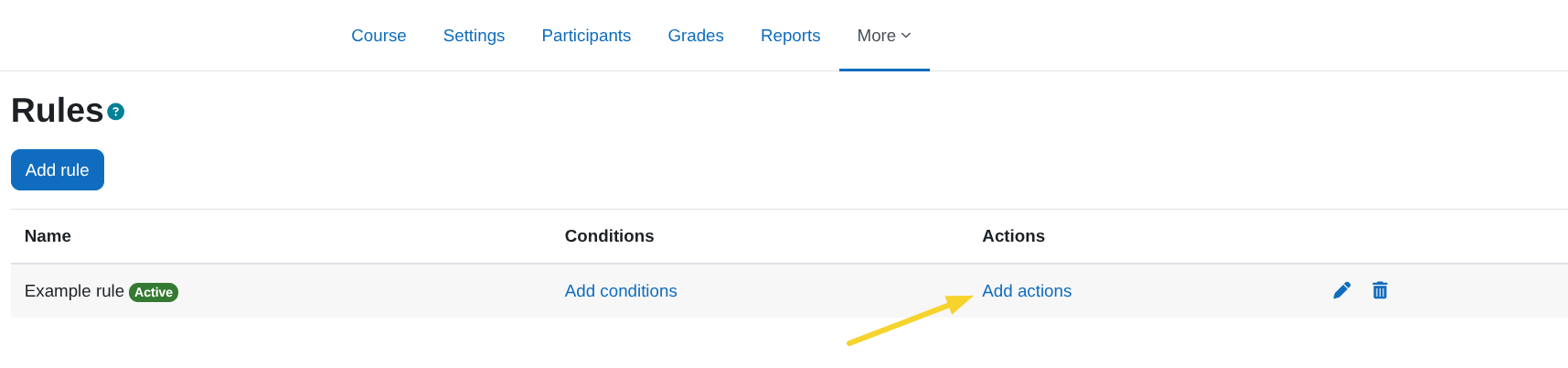
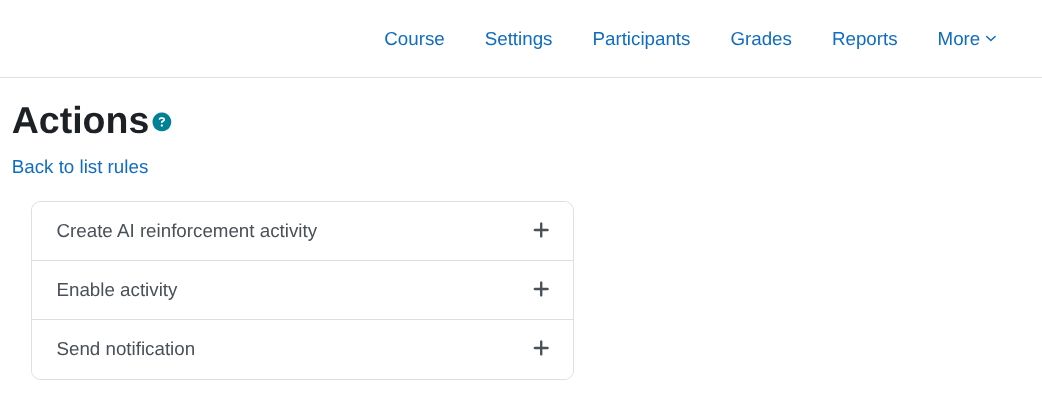
- A view like the following will appear with the list of available actions. Select the one you want to add.
Details of each action can be found in the next section Available actions.
What happens when the action runs
- The action sends the configured prompt to the Datacurso AI service via the
Course Creator AIplugin and receives the activity definition. - If the course has any AI context configured (e.g., instructional model or syllabus), this context will be used to create an activity better aligned with the course.
- A new course module is created and placed in the selected section and position.
- The new activity is made visible and is restricted to the matched user using the
Restriction by usercondition.