Activity not completed
Description
Use this condition to evaluate whether a user has not completed a specific activity after a given period of time.
This condition runs recurrently via the scheduled task local_coursedynamicrules\task\no_complete_activity_task, which by default runs every minute.
The condition will only evaluate once when the time specified in the configuration has elapsed, as detailed in the section Condition configuration.
After the condition is evaluated and the rule's actions are executed, the rule will be automatically deactivated.
💡 In practice: use this for “deadline follow-up” rules. It triggers once, when the expected completion date is reached.
Condition configuration
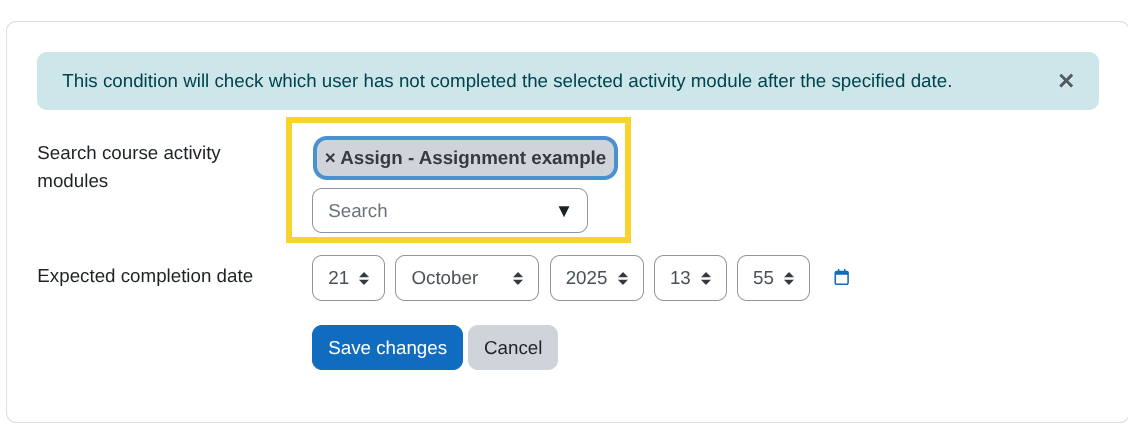
- Search course activity modules:
From this search field, select the activity module you want to verify has not been completed.
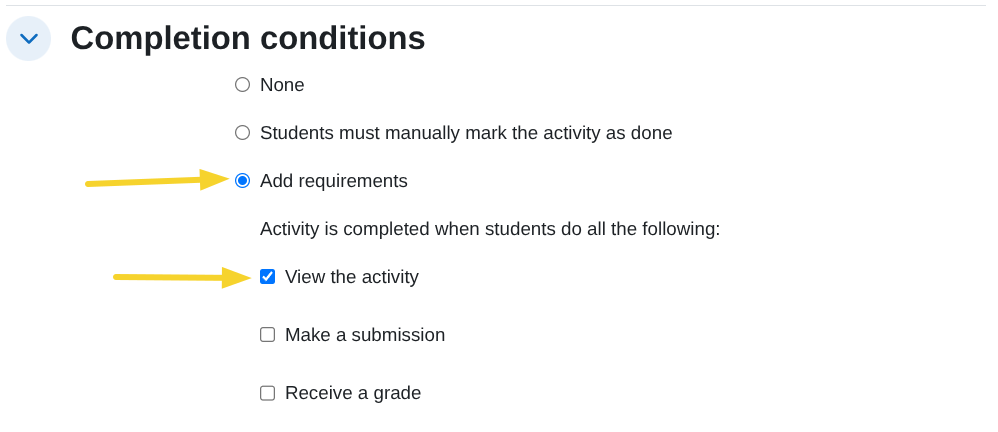
Note: Only activity modules that have at least the following setting in the Activity completion section will appear:
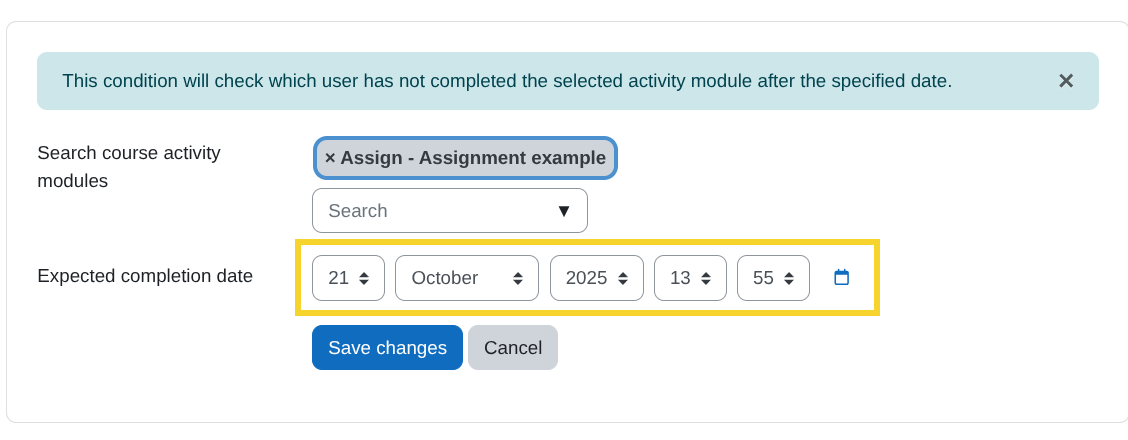
- Expected completion date:
Define the date by which you expect users to have completed the activity.