Manage Predefined Responses
Click on Manage predefined responses to access this section.
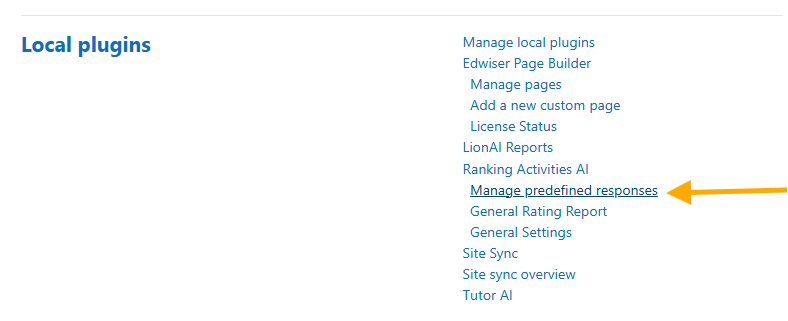
This page lets you add predefined responses that students can choose from when rating activities or resources.

Managing phrases
The page is divided into two tabs, one per rating type:
- Predefined responses like 👍 – Phrases offered to students after they click Like.
- Predefined responses dislike 👎 – Phrases offered to students after they click Dislike.
To add a phrase:
- Select the tab for the rating type (like or dislike).
- Type the phrase in the text field and click Add.
- The phrase appears immediately in the list below and becomes available to students.
To delete a phrase, click the X button next to it in the list.
Limits
- Each phrase can have at most 150 characters. The field enforces this limit and the server rejects longer phrases.
- Predefined phrases are stored in full when a student selects them. The Maximum character limit for student comments setting (
maxcommentlength) only applies to free-text comments (see General settings).