Enable activity
Description
Use this action to enable specific activities in the course for users who meet the rule's conditions.
💡 In practice: this is how you “unlock” an activity for a specific group of users matched by a condition.
Pre-requisites
- Have the
Restriction by userplugin installed and enabled, which can be downloaded for free from: https://moodle.org/plugins/availability_user.
Action configuration
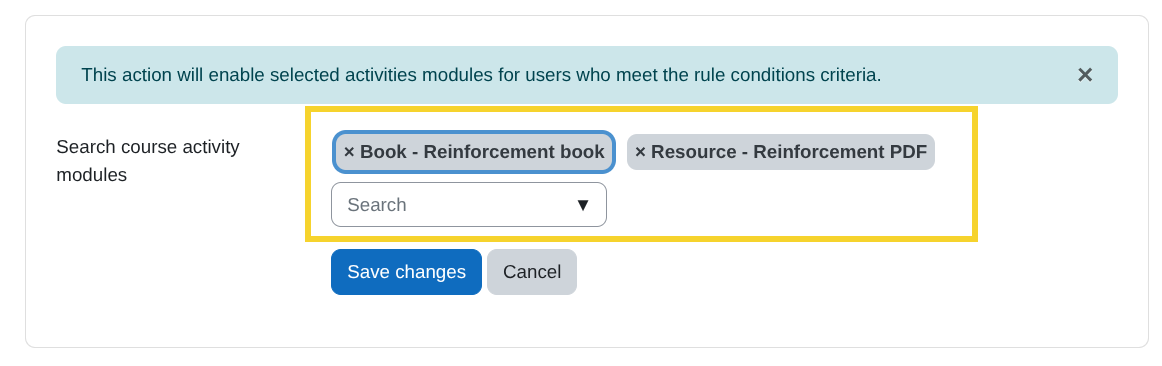
- Search course activity modules:
From this search field, select the activity modules you want to enable.
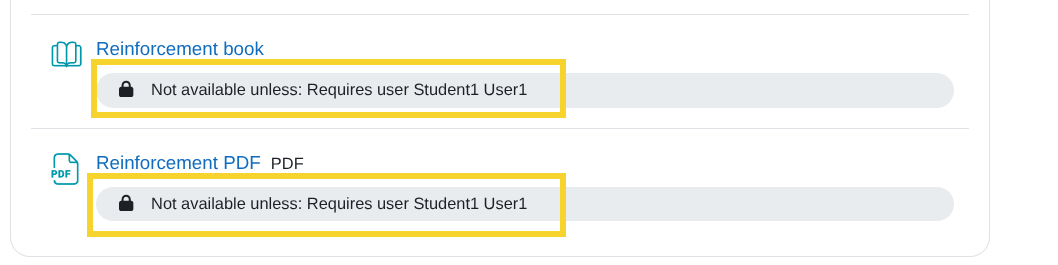
The selected activities will only be available to users who meet the rule's conditions. In the course view for roles with the necessary permissions (teachers, administrators, etc.), the following information will be shown indicating the users for whom the activity is enabled: