Overview
The General report Datacurso AI section allows administrators to monitor how AI credits are being used across the Moodle site.
From this section, you can review detailed credit consumption history, analyse usage trends, and see which Datacurso AI plugins are installed.
This helps administrators understand how AI features are being used and manage credit consumption more effectively.
Access to General report Datacurso AI
To access this section in Moodle:
-
Go to
Site administration > Reports > General report Datacurso AI.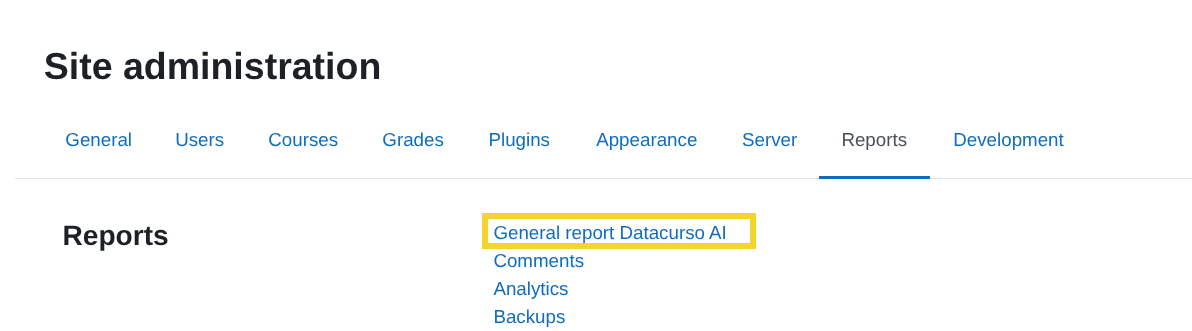
You will see three main sections:
- Credits consumption history
- General report
- Datacurso plugins list
Available report sections
Each section provides different information about AI usage in your site.
Select a section below to view detailed information about how it works.
The following sections are available: