Configuration
This section covers the core settings of the Datacurso AI Provider. From here, administrators can:
- Enable the provider in Moodle.
- Configure the license key used to connect to Datacurso AI services.
Access the AI Providers page
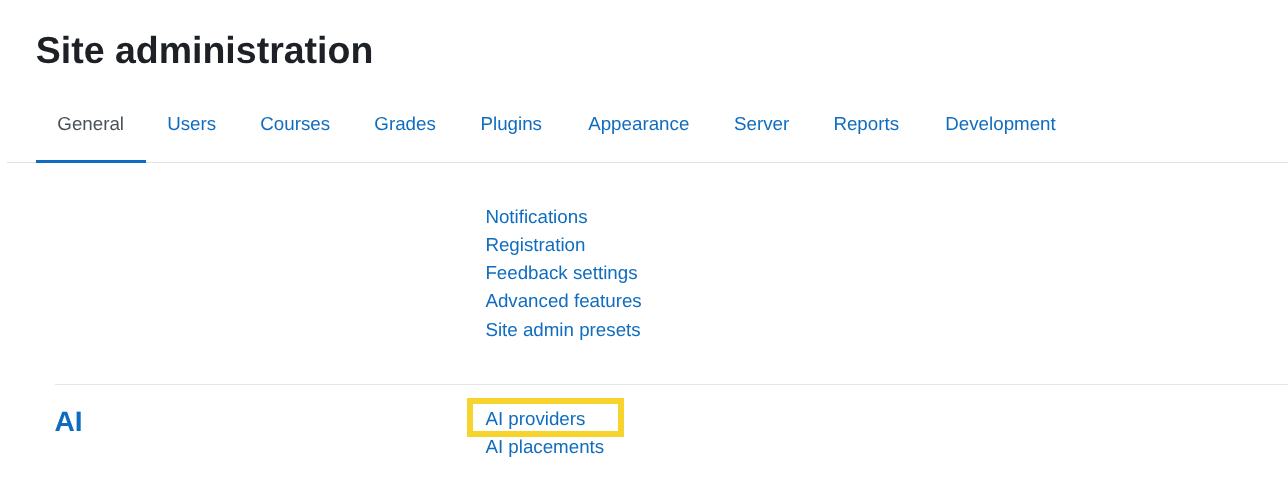
Log in to your Moodle site as an admin and go to Site administration > General > AI > AI Providers.
Enable the provider
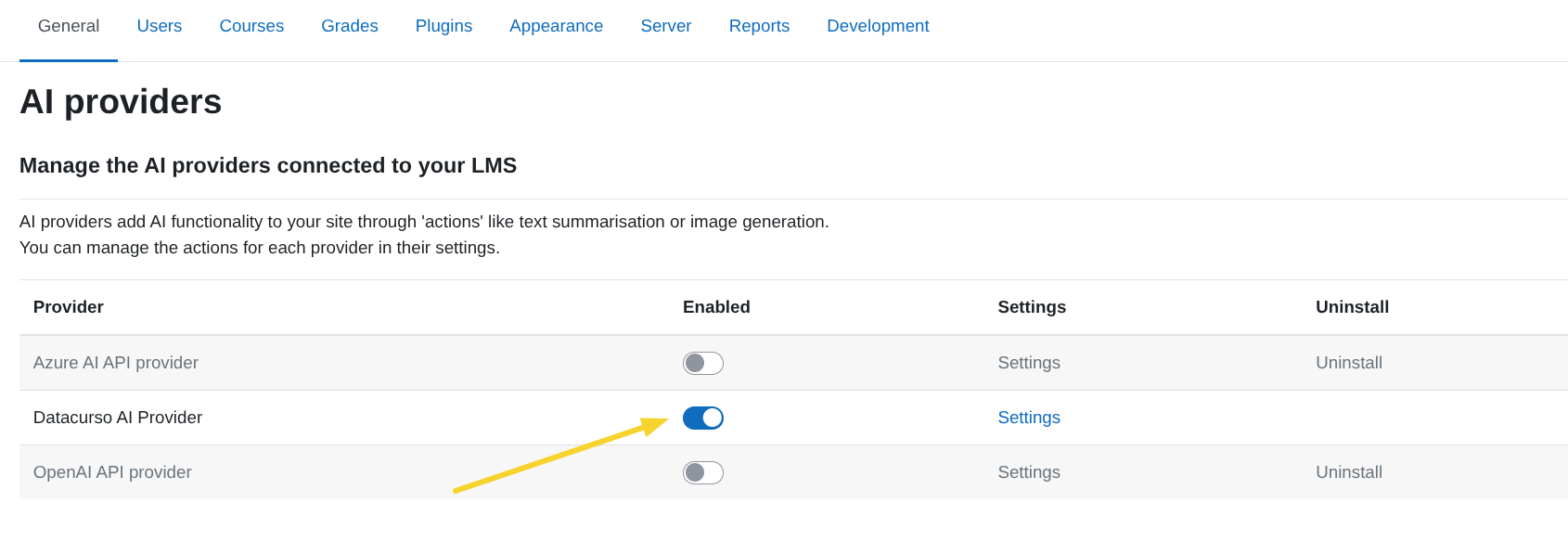
To use the Datacurso AI Provider in Moodle, you must enable it in the AI providers list. In the Datacurso AI Provider row, turn on the switch under the Enabled column.
Settings
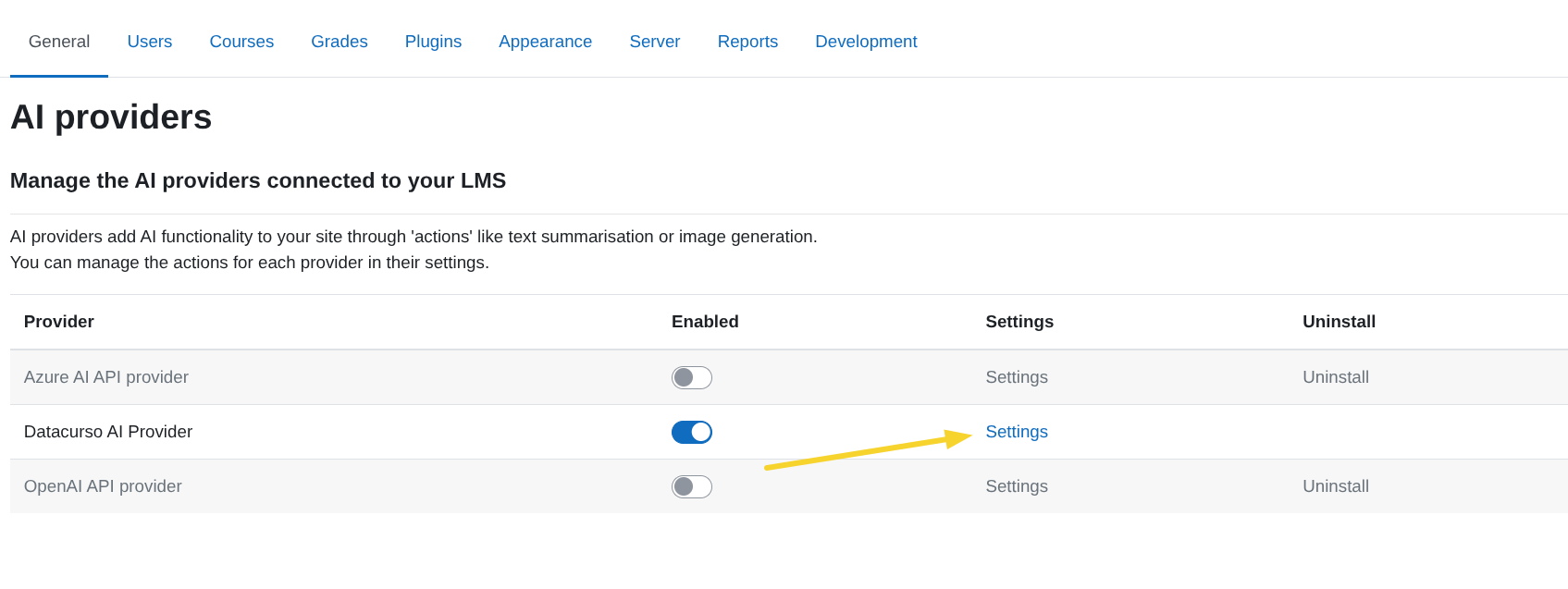
In the AI Providers page, click on the Settings button of the Datacurso AI Provider.
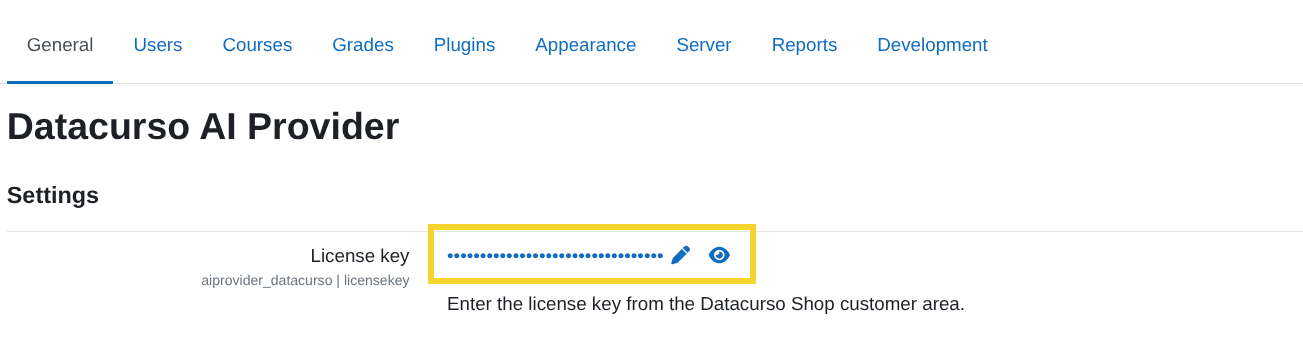
License key
Enter the license key that you copied in the Getting license keys section.