AI grading history
This section explains how to use the Assign AI history view to audit previous grading decisions and feedback generated by AI.
The history page is useful for quality control, academic traceability, and post-review adjustments when needed.
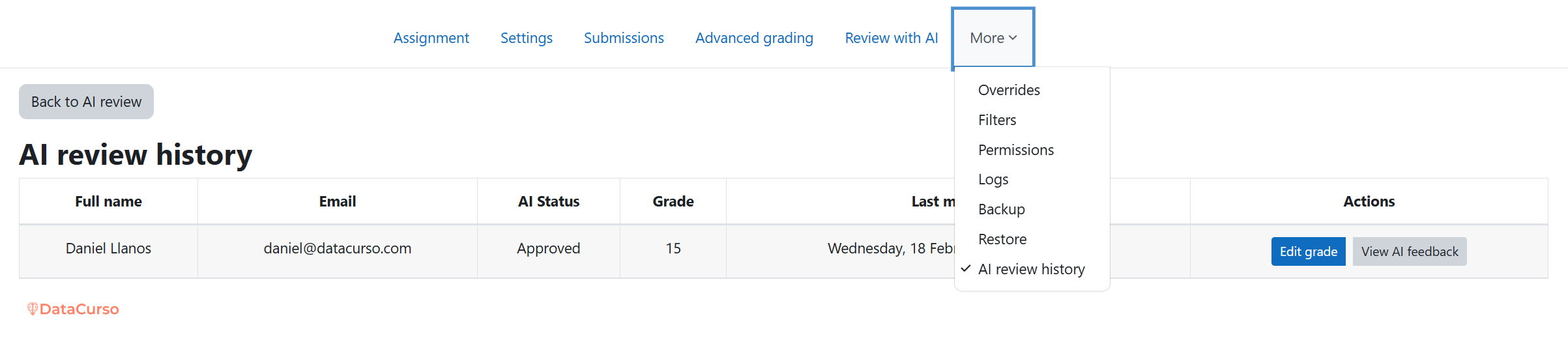
Open AI review history from the Assign interface
Inside the assignment activity, open the AI review history section.
This is the entry point to review previously processed submissions and their AI-assisted grading records.
Review the AI history table
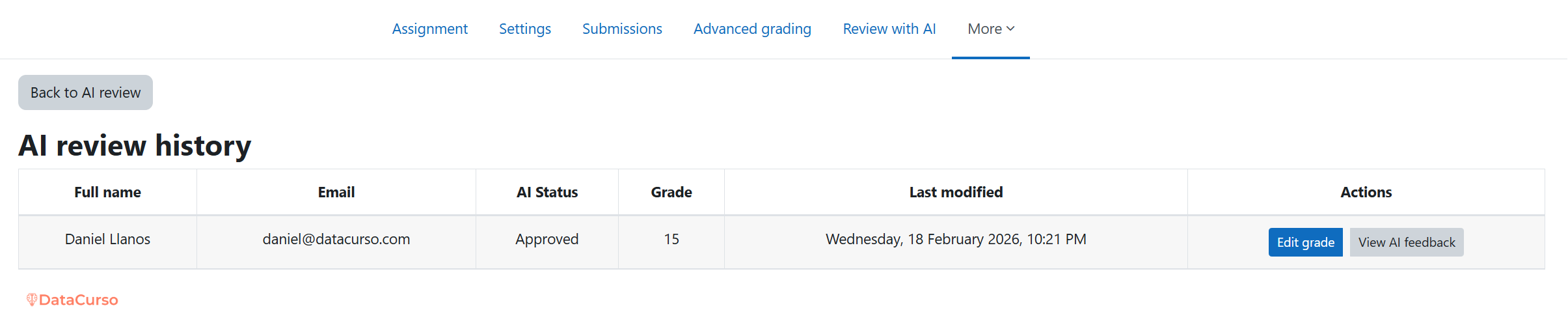
The history view shows processed records and their corresponding grading context.
From this table, teachers can quickly inspect what was generated, what was published, and what may require manual adjustments.
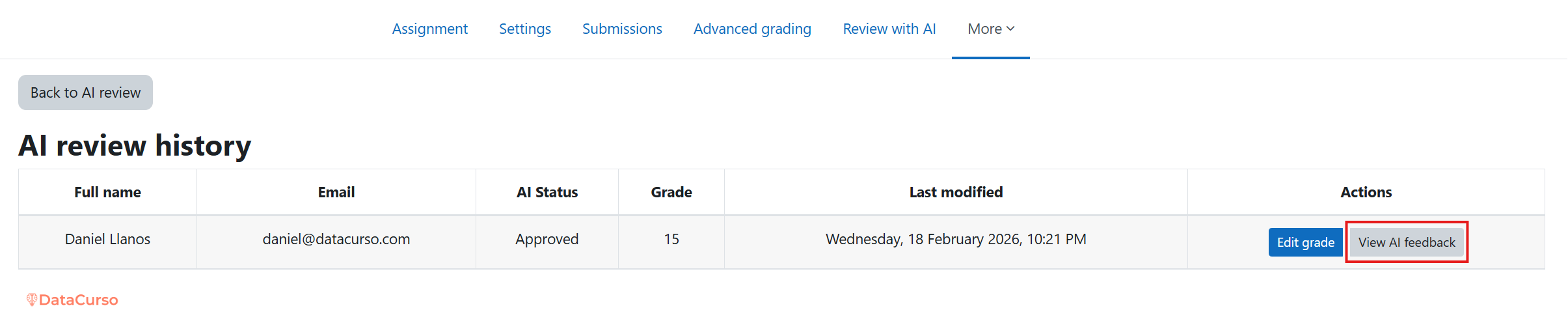
Use View AI feedback
Click View AI feedback to open the feedback generated by AI for a specific submission.
This action is focused on the written feedback content provided by AI for that grading record.
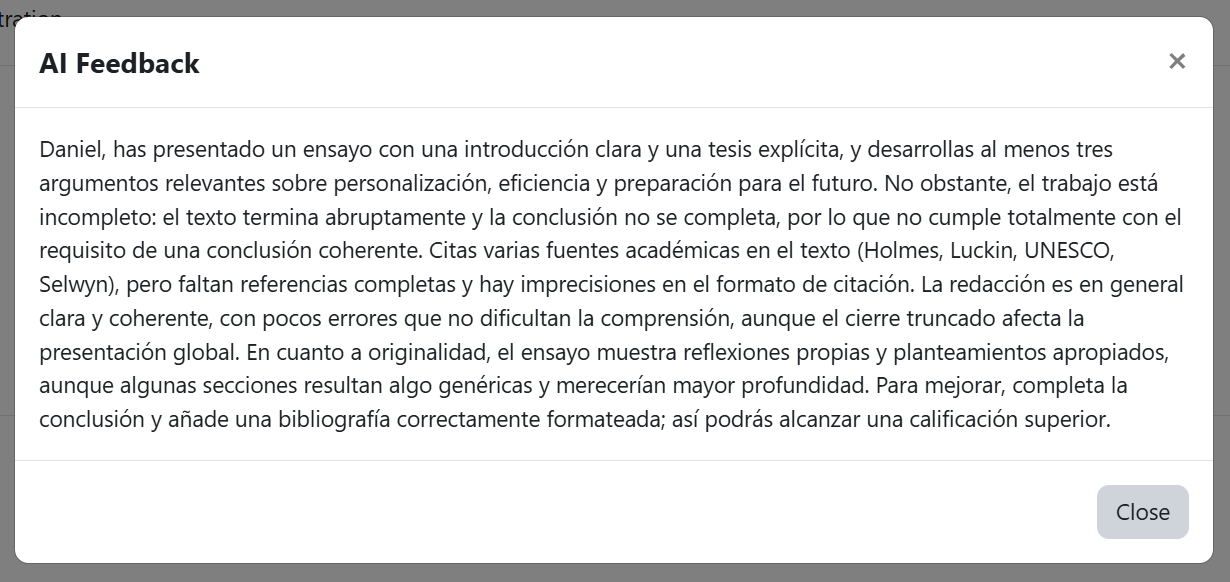
Inspect feedback details in the modal
The feedback modal displays the AI feedback details for the selected record.
Use this view to check quality, tone, and alignment with the assignment expectations.
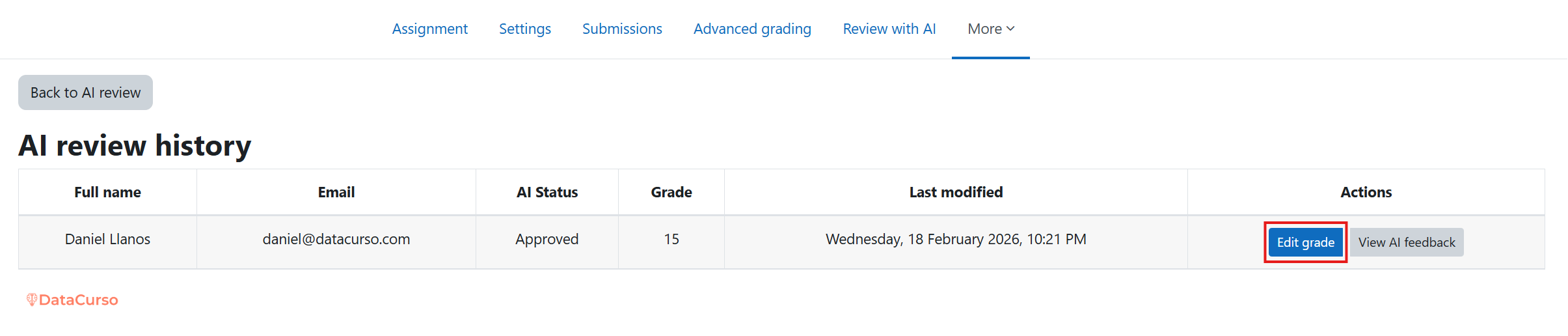
Use Edit grade to regrade manually
Click Edit grade when you need to manually re-evaluate a student's grade.
This option lets teachers override or adjust grading decisions using Moodle's grading workflow, including rubric or marking guide criteria when applicable.