Grade Admitted
This section explains the grading configurations currently supported by Assign AI.
Before running AI review, verify these grading settings in the assignment configuration to ensure the plugin can process grading and feedback correctly.
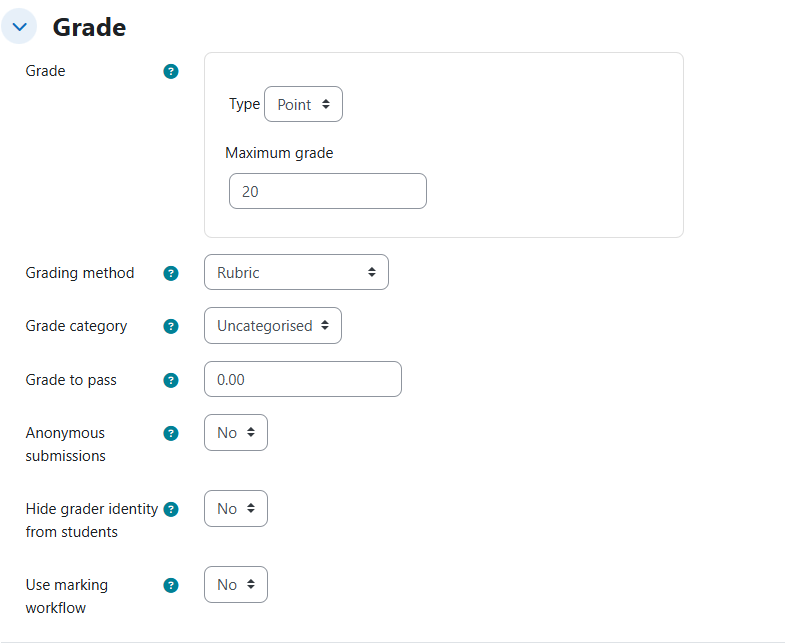
Supported grade type
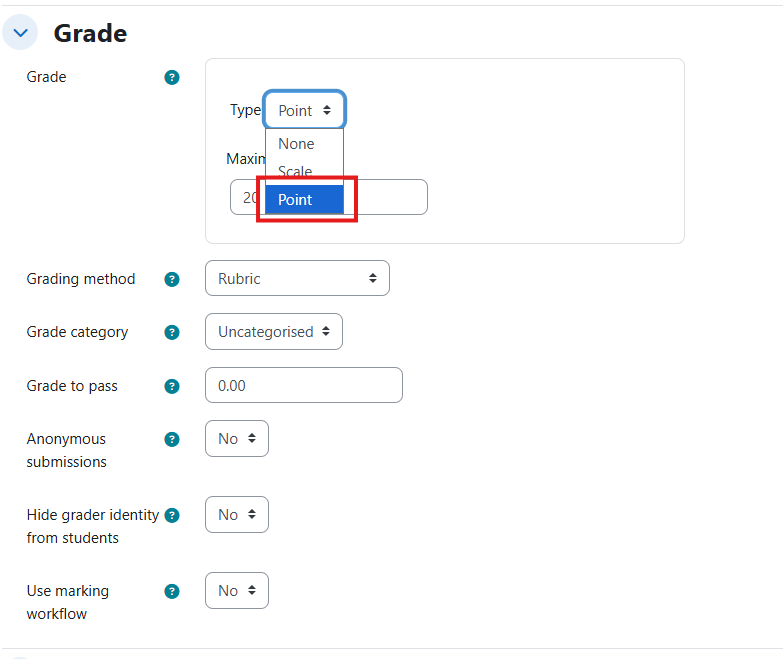
At the moment, the plugin supports only the Point grade type in Moodle.
This means assignments must be configured with a numeric score scale (points) for AI-assisted grading workflows.
If another grade type is selected, Assign AI grading support is not guaranteed.
Supported grading methods
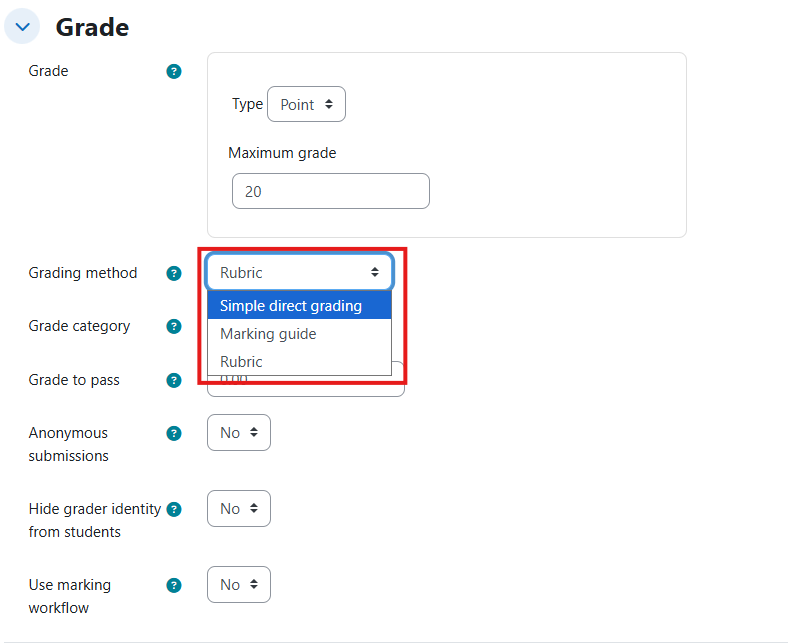
For grading method, the plugin currently supports all three of the following Moodle methods:
- Simple direct grading
- Marking guide
- Rubric
This allows teachers to keep their preferred evaluation model while still using AI-assisted grading and feedback.
Recommended validation before AI review
Before using Review all or individual AI review actions:
- Confirm that Grade type = Point.
- Confirm that the grading method is one of the three supported methods.
- Save assignment settings before launching AI processing.
This validation helps avoid grading inconsistencies and ensures AI analysis can align with the assignment grading structure.