General settings
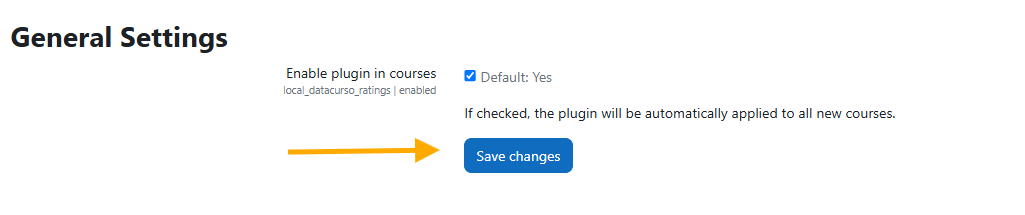
This section allows you to enable or disable the plugin’s visibility in courses.
- Go to Administration under the Plugins section.
- Find Local Plugins and locate the Ranking Activities AI links.
- Click on General settings.
- Check or uncheck the Enable option to control the plugin visibility.