Teacher Guide
This section covers how teachers can use the Ranking Activities AI plugin to analyze student feedback.
Accessing the Course Report
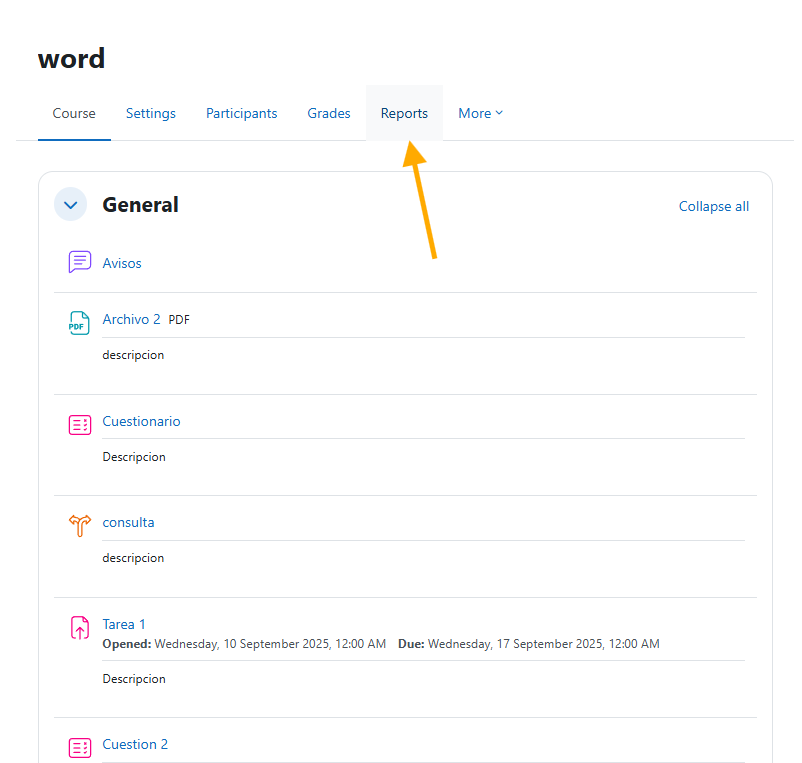
On the main course page, teachers can access the report from the Reports section.
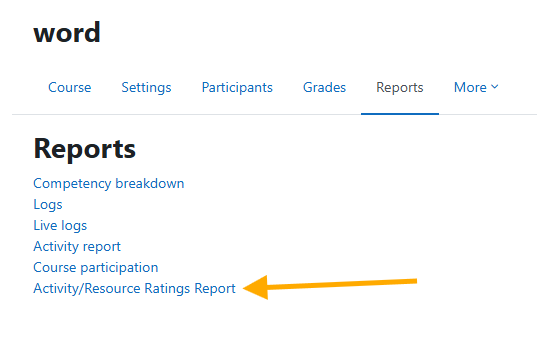
Navigate to Activity/Resource Ratings Report.
Viewing Course Ratings
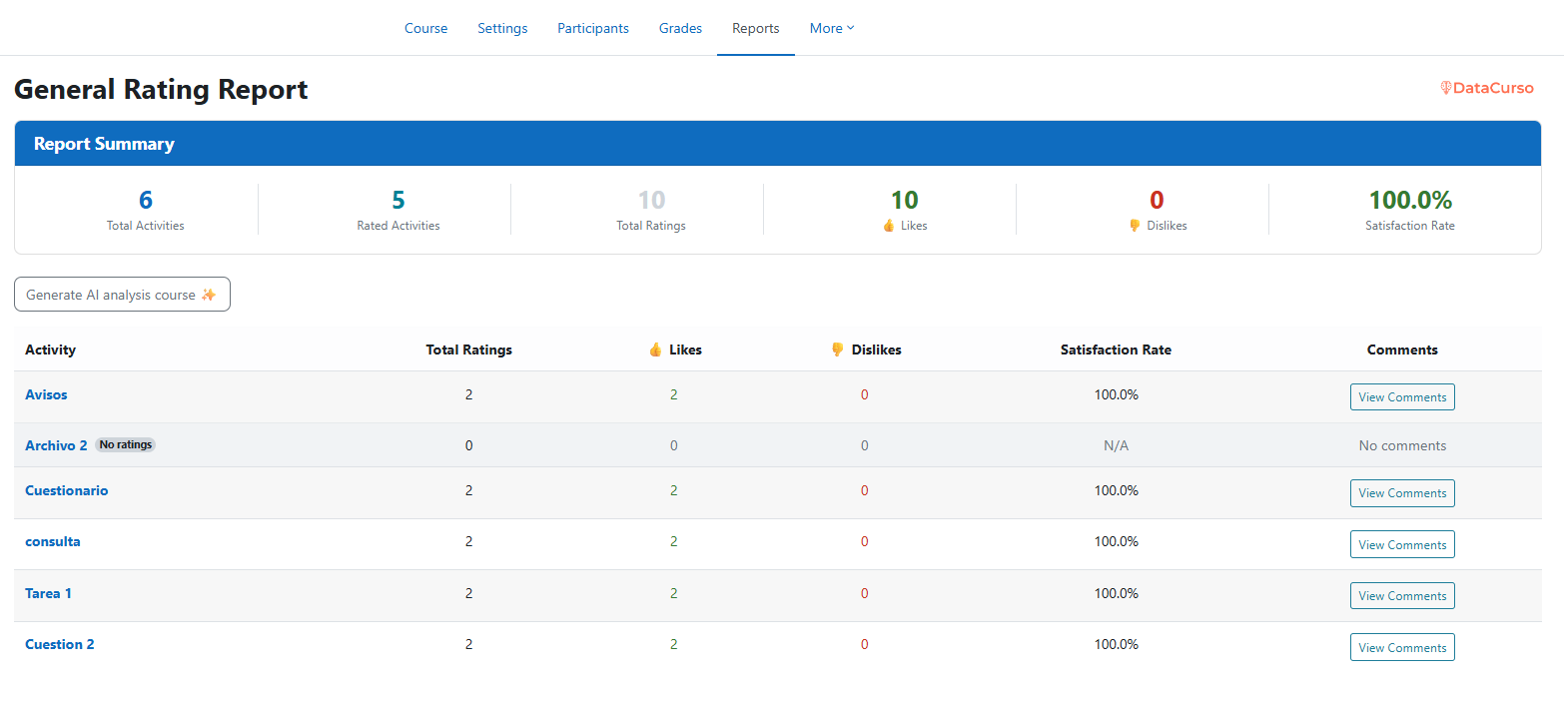
Here, teachers will see the report summarizing ratings for all activities within their course.
Generating AI Analysis
Similar to administrators, teachers have a button to generate a general AI analysis of activity ratings.

Analyzing Activity Comments
Click on the button to view the comments of a specific activity.

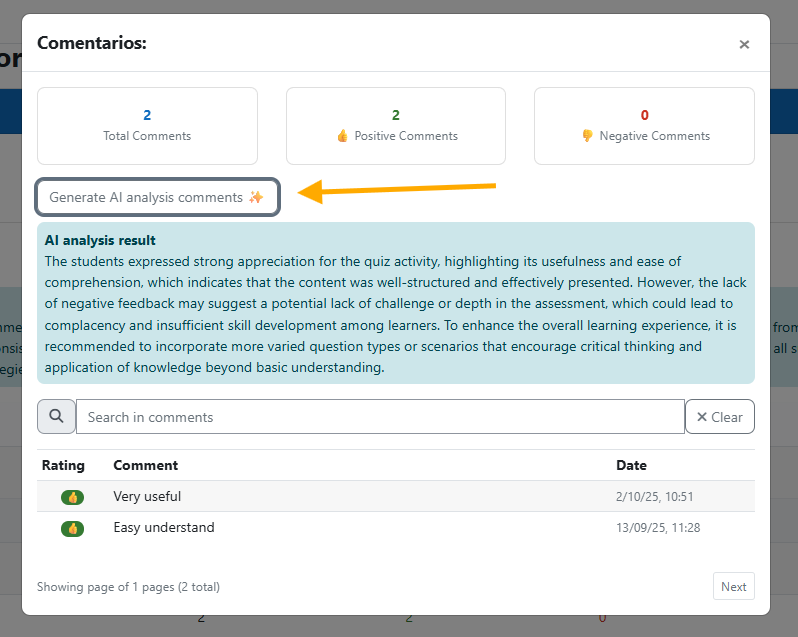
Additionally, teachers can generate AI analyses of activity comments to understand student feedback in detail.