Using it in a course
To use Share Certificate AI in a course:
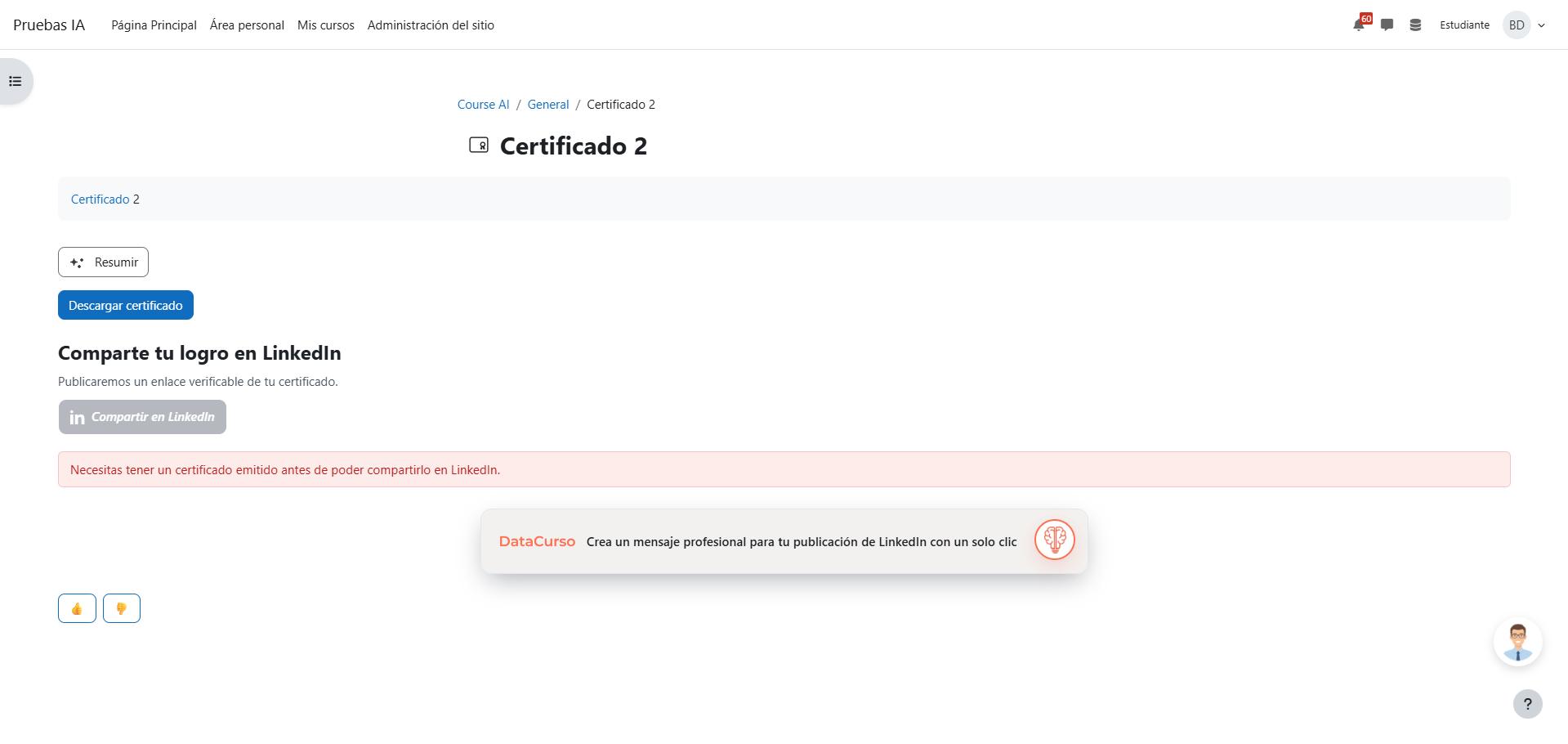
- Add a Custom certificate activity. The Share your achievement on LinkedIn panel appears at the end of the activity page.
- The panel is shown only to users who can receive the certificate (students by default) — teachers and managers do not see it, and it never appears on intermediate pages of the activity.
- The share button becomes available once the certificate has been issued: when the learner obtains it from the activity, or earlier if it is emailed. The learner does not need to reload the page — the panel enables itself.
- While disabled, the panel explains what to do: download the certificate first (when no certificate has been issued yet), or ask the site administrator to configure the LinkedIn organization ID.
Note: If the panel warns that the link will not be verifiable by third parties, the site administrator must review the public verification settings.