Generate a LinkedIn post suggestion (AI)
The AI assistant appears only when AI is enabled on the site and the certificate has already been issued. When both conditions are met, users can generate suggested LinkedIn post copy from the certificate page.
- Find the SocialCert card and click the AI button.

- The panel expands and shows a suggested LinkedIn message.
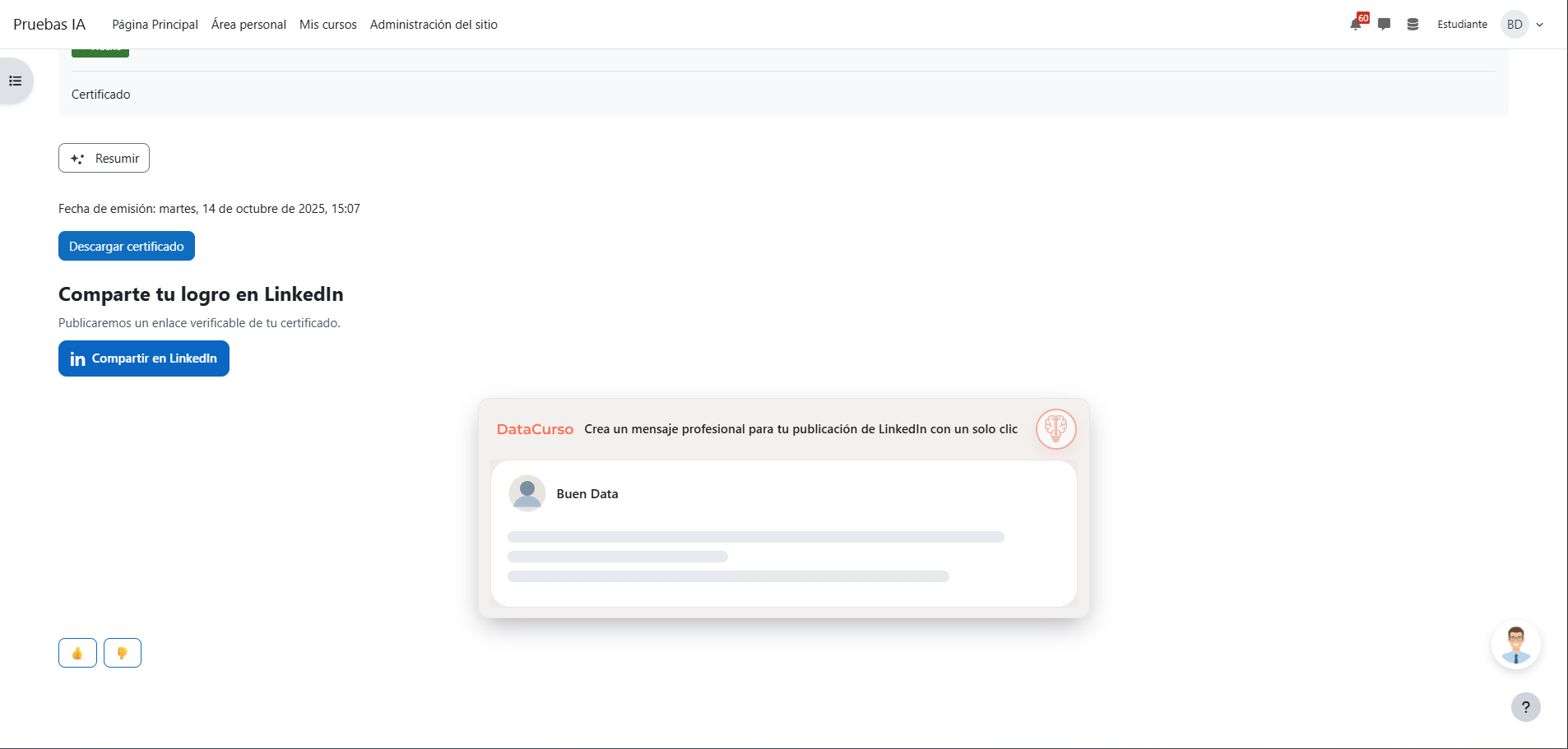
-
Review the suggested text.
-
Click the Copy button to copy the message.

- Open LinkedIn, paste the text, and publish your post.
The plugin suggests content only; it does not publish to LinkedIn automatically.
Each generation consumes credits of the DataCurso AI Provider license. When there are no credits left or the license is not authorized, the card shows a specific message explaining it.