Credits consumption history
The Credits consumption history tab displays a detailed table of all AI credit usage.
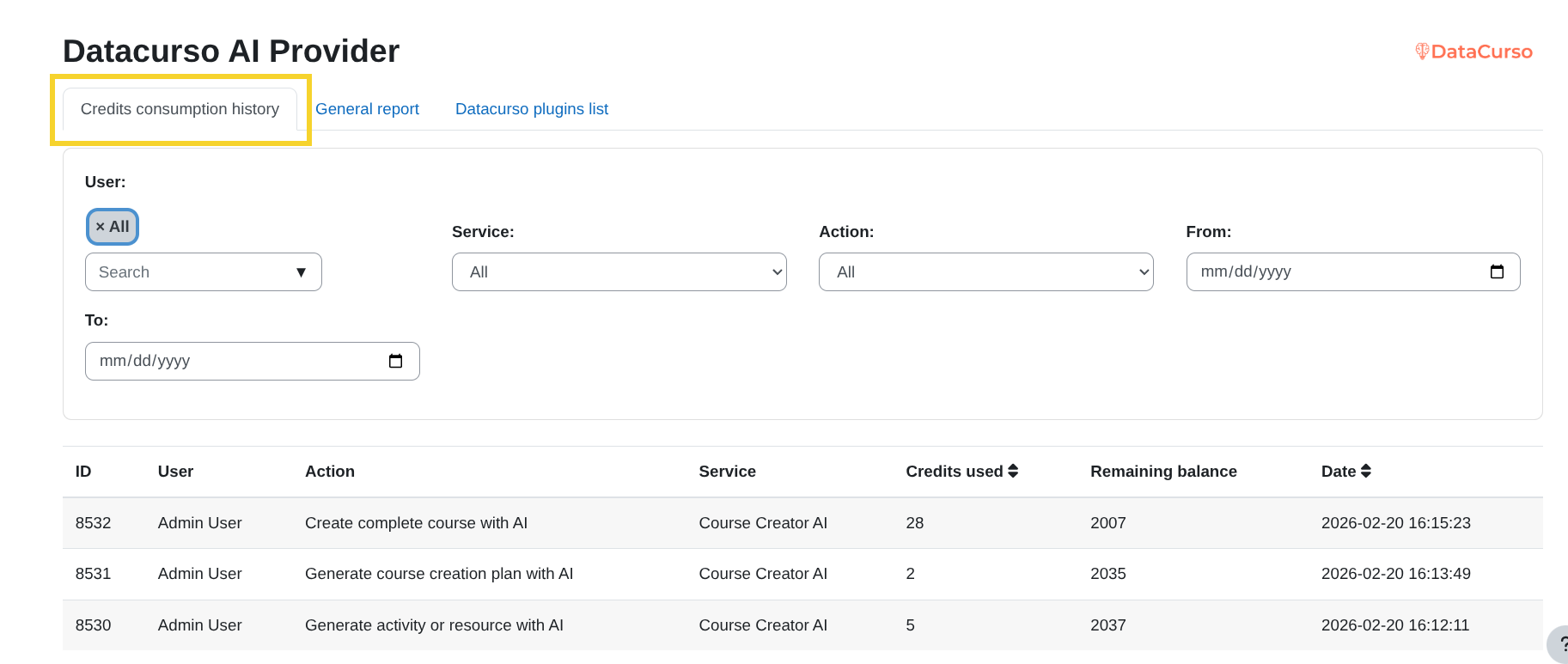
This table allows you to see:
- ID – Unique identifier of the consumption record.
- User – The user who consumed the credits.
- Action – The AI action that was executed.
- Service – The plugin or service that generated the request.
- Credits used – Number of credits consumed.
- Remaining balance – Credits available after the operation.
- Date – Date and time of the request.
Available filters
At the top of the table, you can use the filters to narrow down the credit consumption records and quickly find the information you need.
User
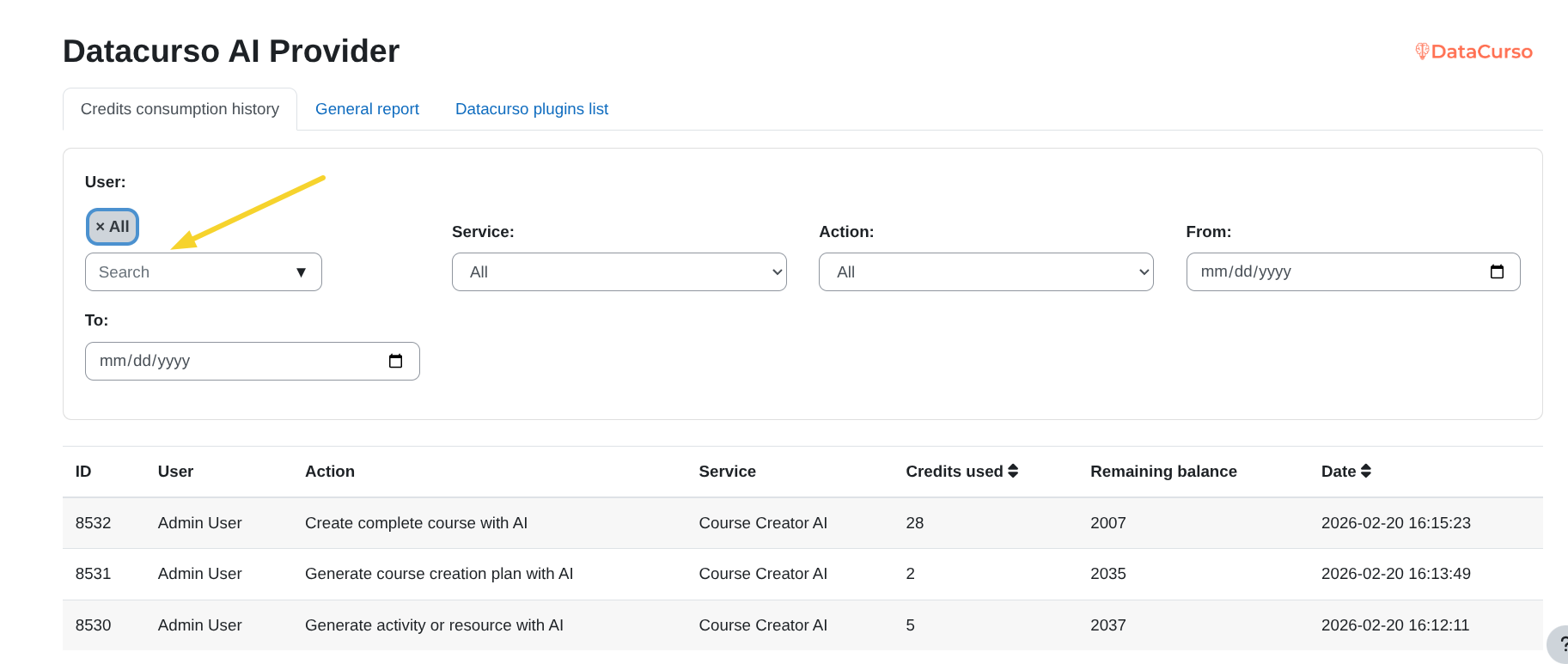
Use the User filter to display only the credits consumed by a specific person.
Service
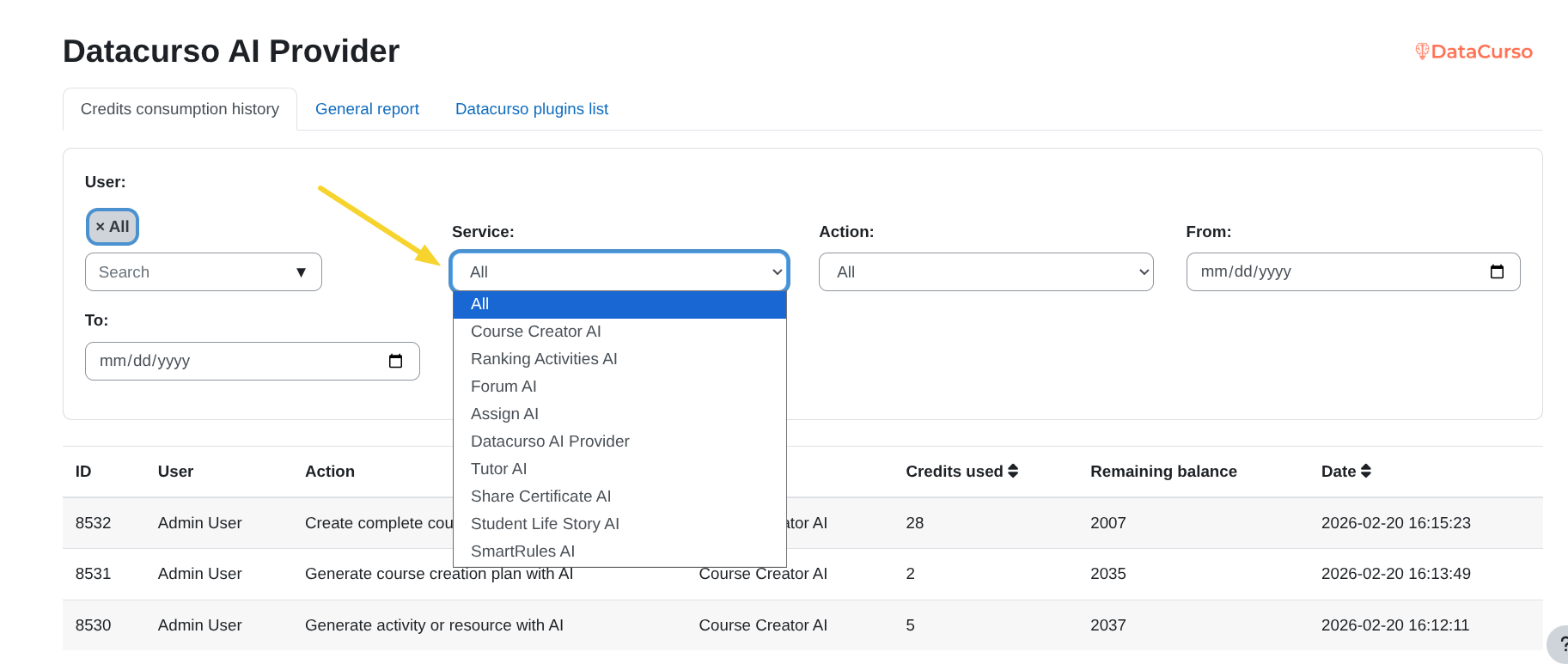
Use the Service filter to see from which Datacurso AI plugin the credits were consumed.
This helps you identify which tool generated the usage.
Action
Use the Action filter to display only a specific type of AI request.
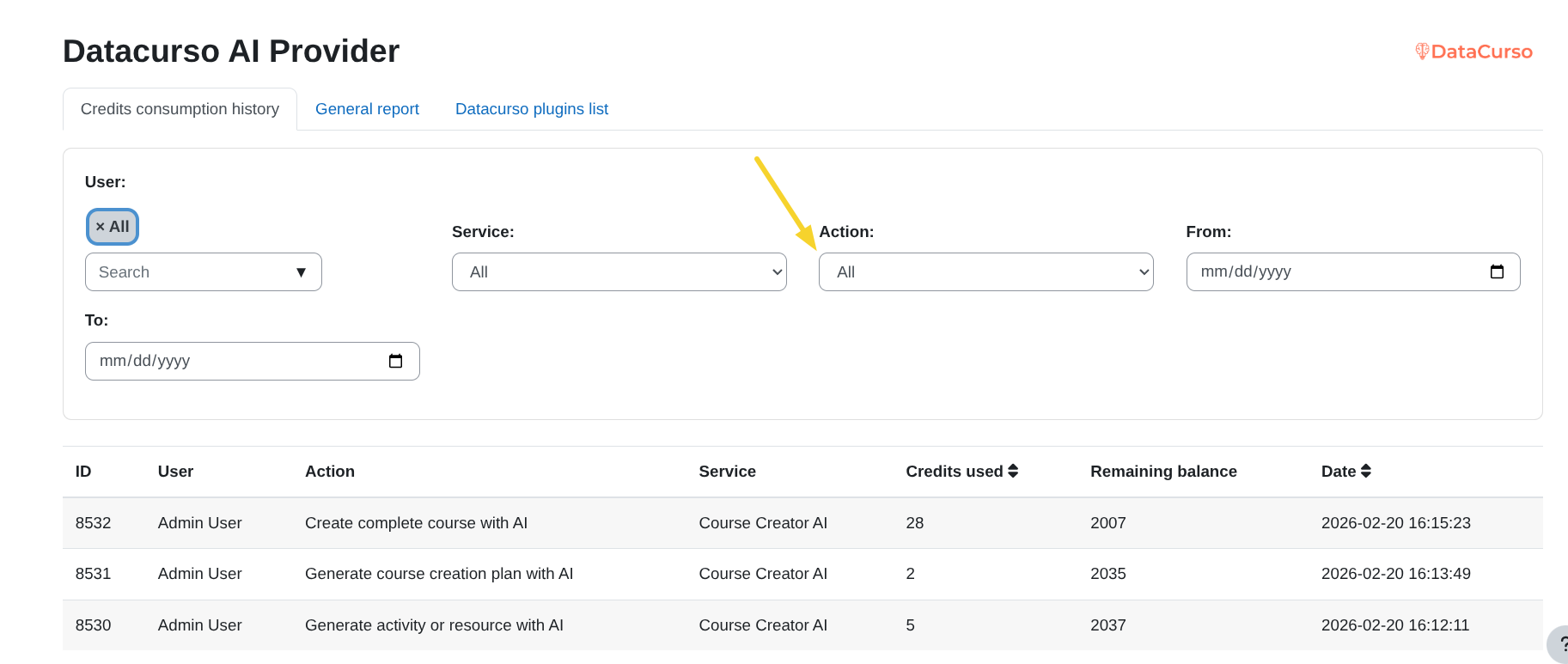
The available actions include:
- Generate text with AI – Credits used when generating text (for example, from the editor or other text-based AI tools).
- Generate image with AI – Credits used when creating images with AI.
- Create complete course with AI – Credits used to automatically generate a full course.
- Generate course creation plan with AI – Credits used to generate a structured course plan.
- Generate activity or resource with AI – Credits used when creating an activity or resource automatically.
- Generate assignment review with AI – Credits used for AI-assisted assignment feedback.
- Generate forum response with AI – Credits used to create AI-generated forum replies.
- Generate general rating analysis with AI – Credits used to analyse ratings in general.
- Generate course rating analysis with AI – Credits used to analyse ratings at course level.
- Generate rating analysis of an activity/resource with AI – Credits used to analyse ratings for a specific activity or resource.
- Read context for AI course creation – Credits used to read uploaded course context.
- Upload academic model for AI course creation – Credits used when uploading an academic model.
- Generate certificate message with AI – Credits used to create AI-generated certificate messages.
- Generate analysis story student with AI – Credits used to generate a narrative student analysis.
- Create AI reinforcement activity – Credits used to create reinforcement activities.
- Generate tutor AI message – Credits used when generating messages from the AI tutor.
From
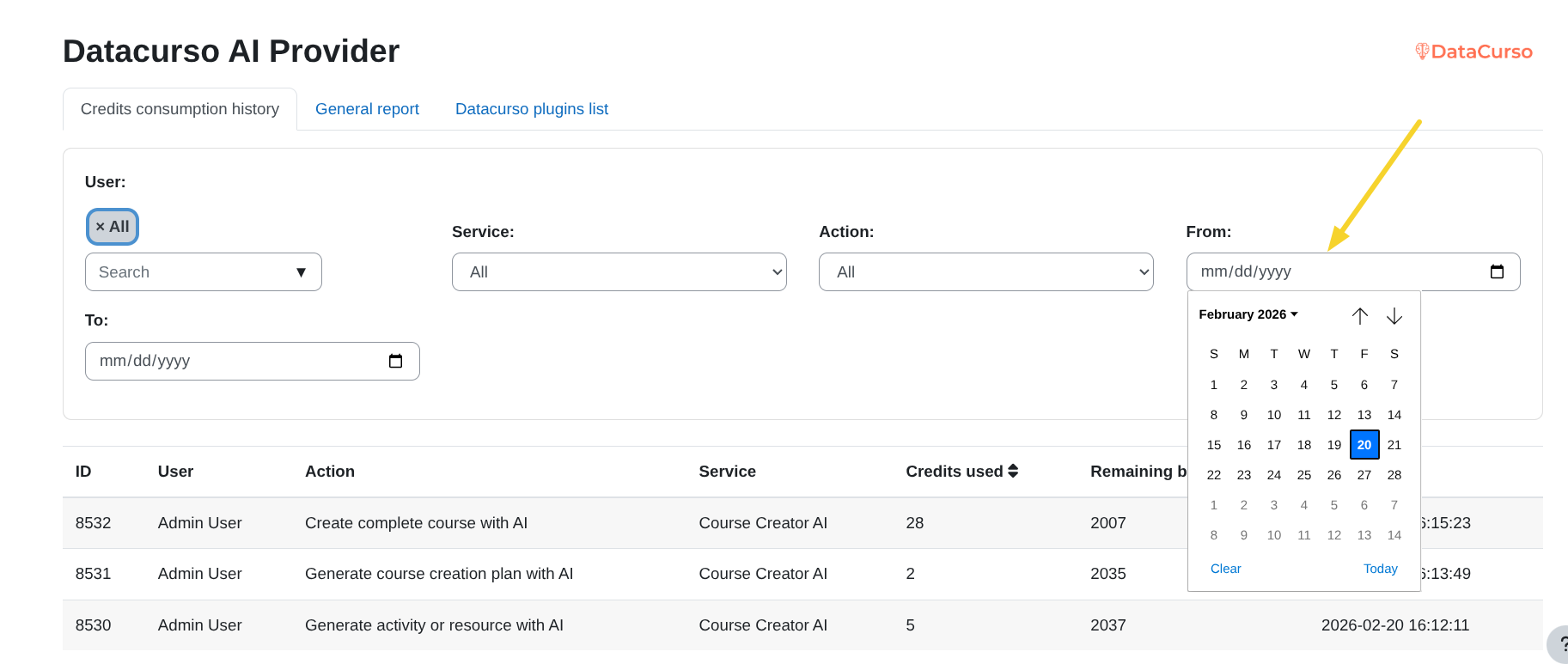
Use the From date field to define the starting date of the period you want to analyse.
To
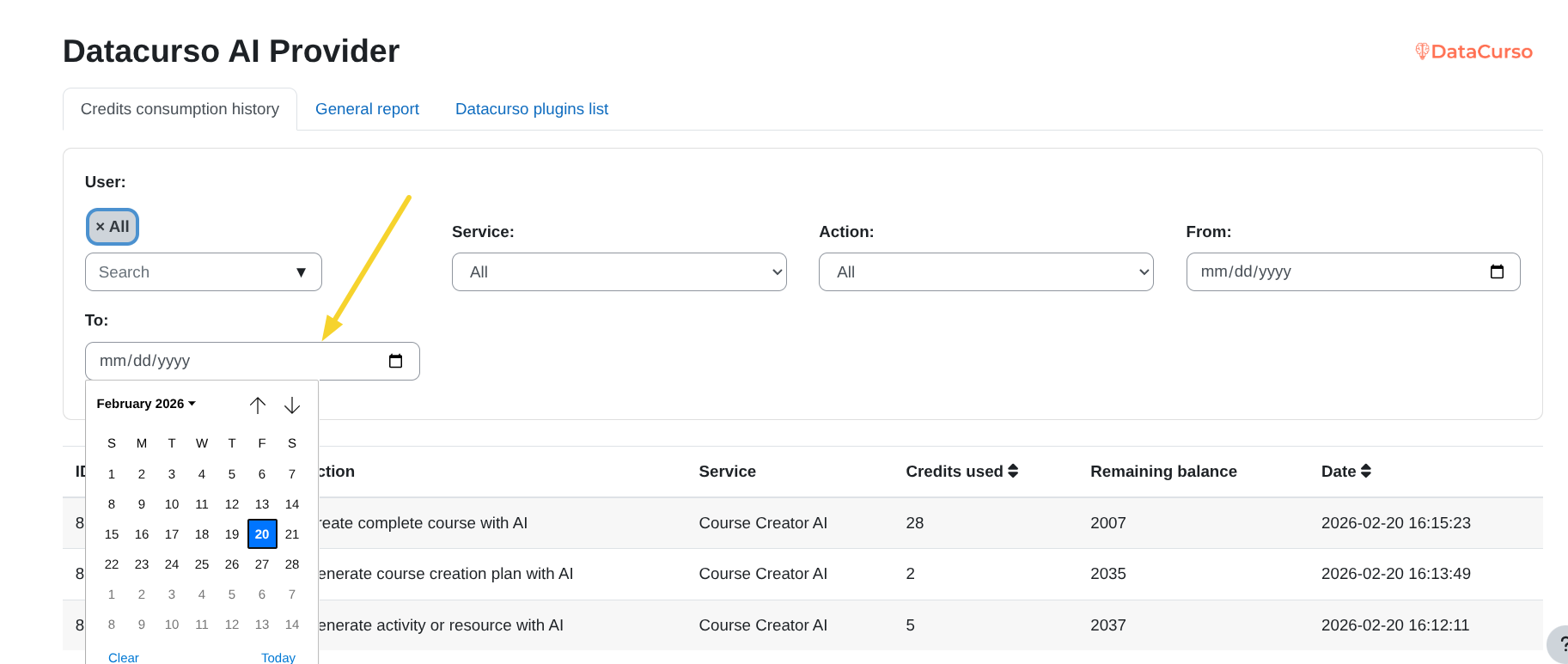
Use the To date field to define the ending date of the period you want to analyse.