Create Application in Mercado Pago
Follow these steps to integrate your Mercado Pago account with Moodle:
-
Access Mercado Pago Developers and log in.
-
From
Your integrations, click onCreate application.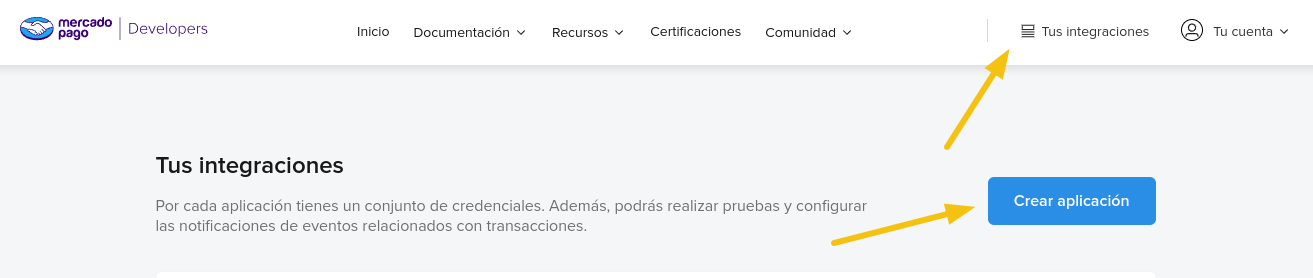
-
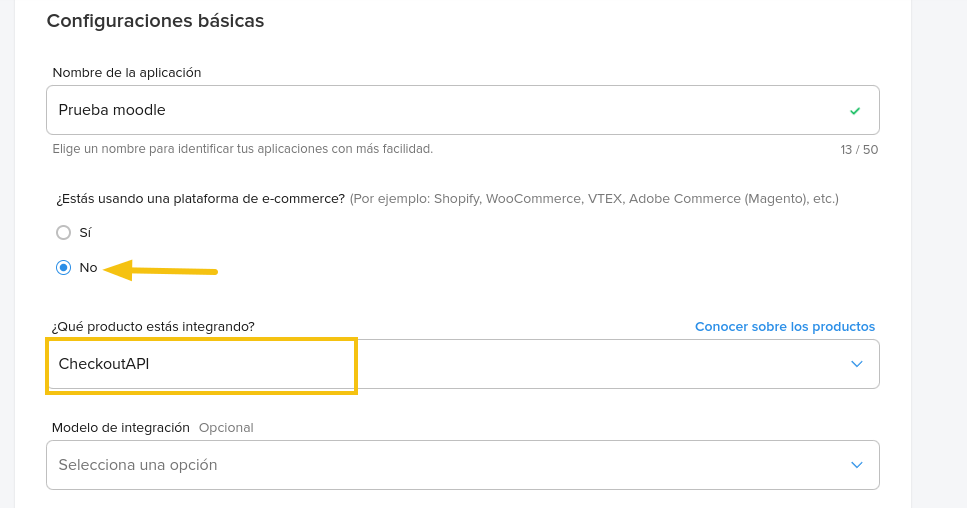
Configure the application following these basic parameters:
-
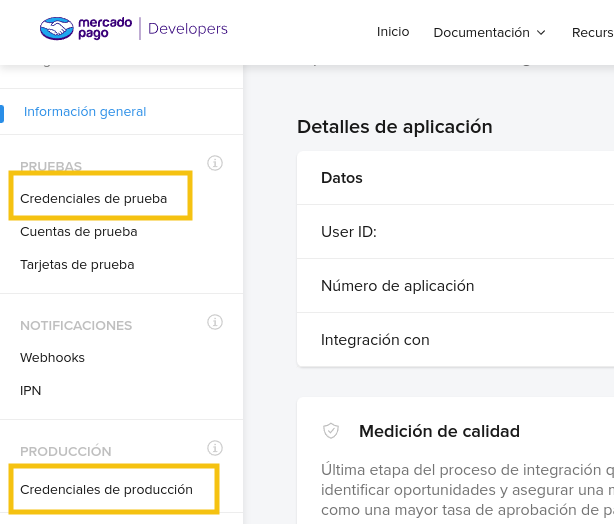
Obtain your test and production credentials from the left sidebar.