Plugin Activation
Use the license key provided in the store to activate the plugin:
-
Access the Datacurso Client Area and select
Mercado Pago for Moodle LMS.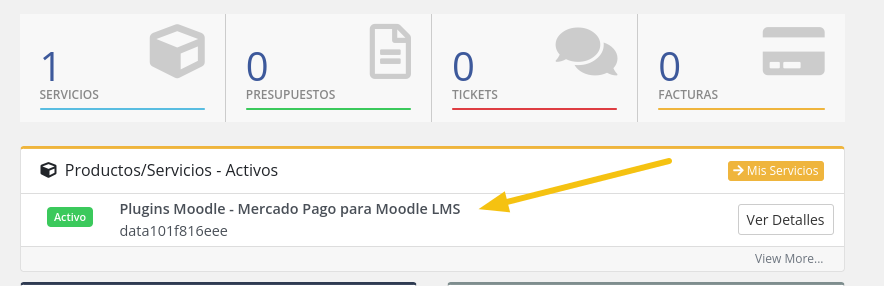
-
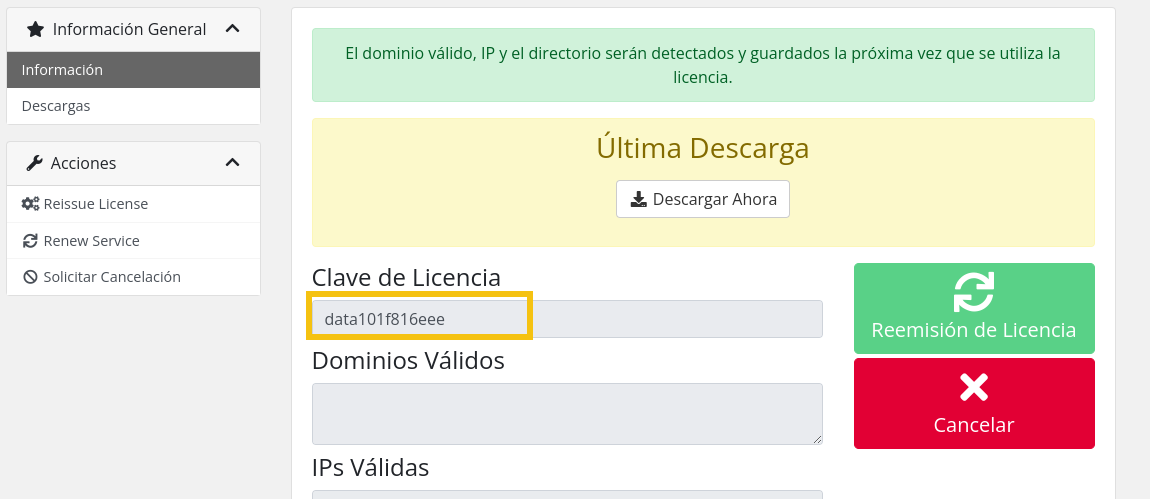
Copy your license key.
-
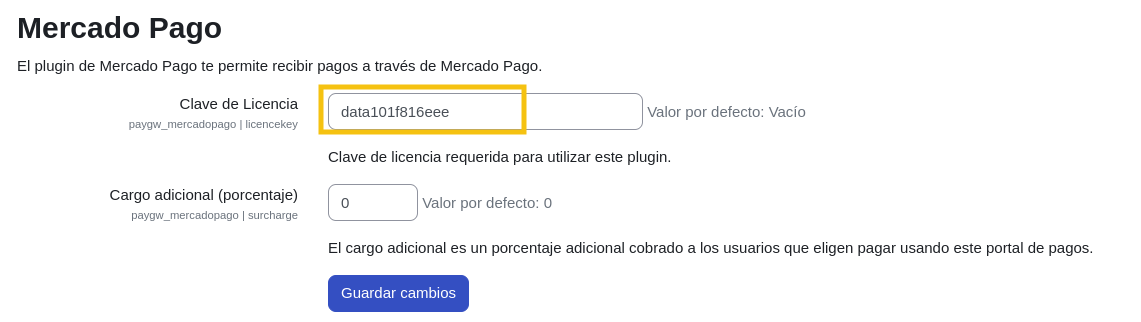
In Moodle, go to
Site administration > Plugins > Payment gateways > Mercado Pago.
-
Paste the key and save changes.
-
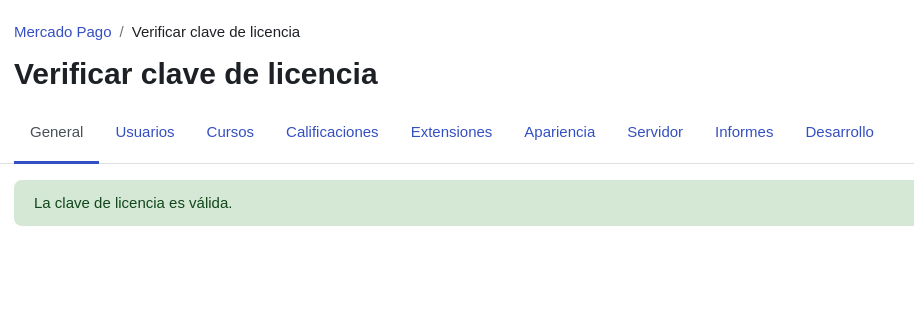
Verify the status in
Site administration > General > Mercado Pago > Verify license key.