Administrative Panel
This page explains the global configuration available for Assign AI at site level.
These settings apply as default behavior across assignments. They are useful to define institutional policy before teachers apply per-assignment customization.
How to access the global settings
- Go to
Site administration > Plugins.
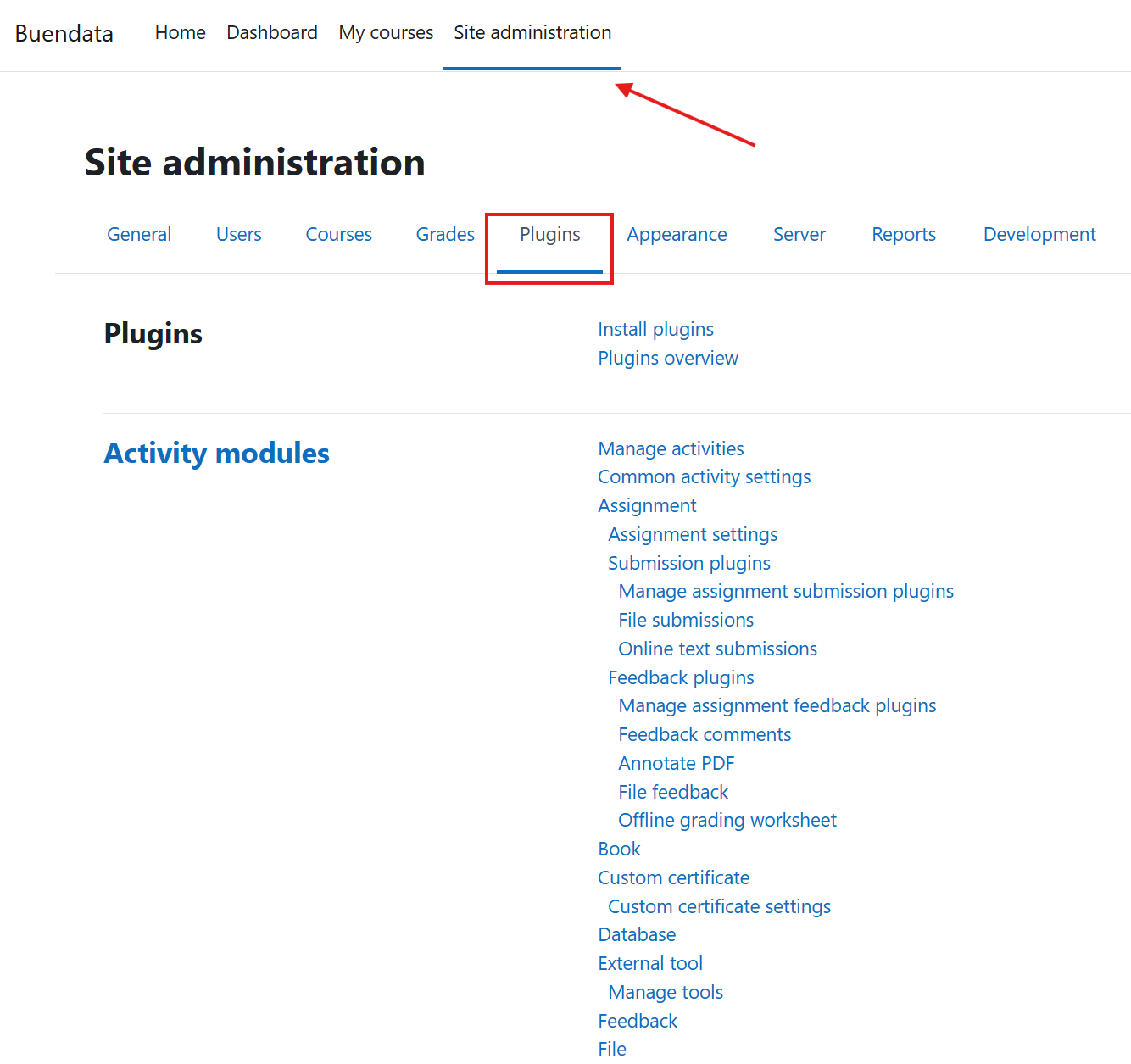
- Open Assign AI plugin settings.
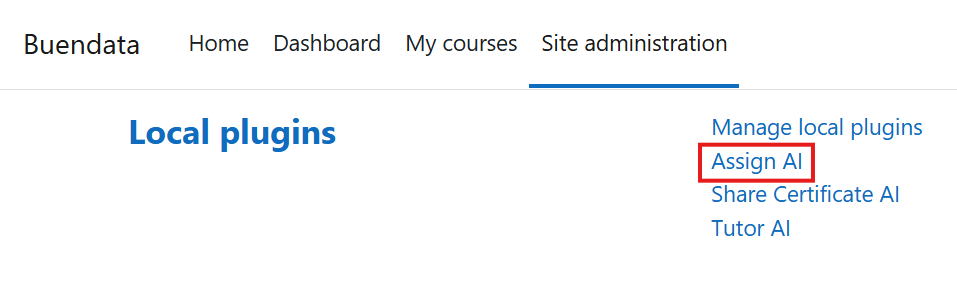
From this page, you configure global AI grading and feedback behavior.
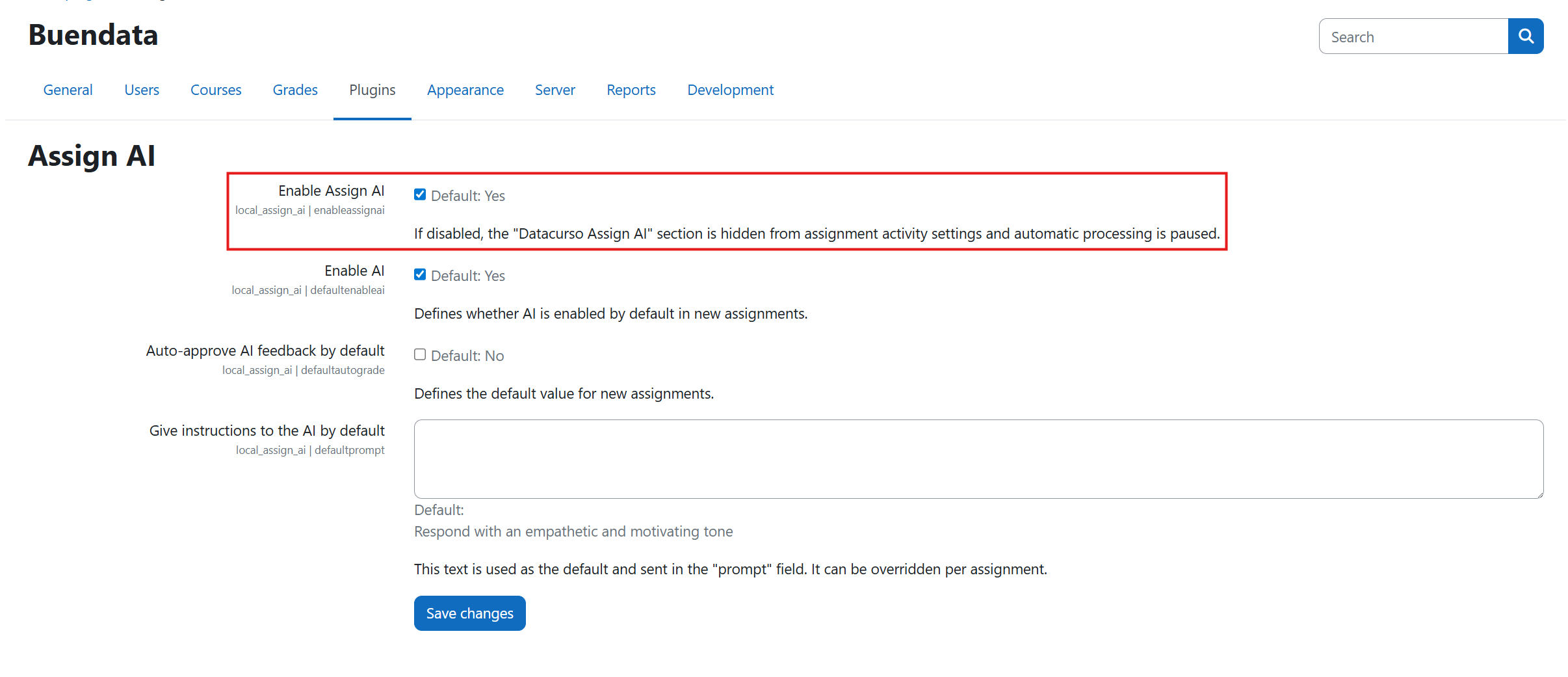
Enable Plugin
This is the global master switch for Assign AI.
- If set to Yes, the plugin remains enabled at system level.
- If set to No, Assign AI features are disabled globally and the AI workflow is unavailable across the site.
Use this setting for full enable/disable control of the plugin.
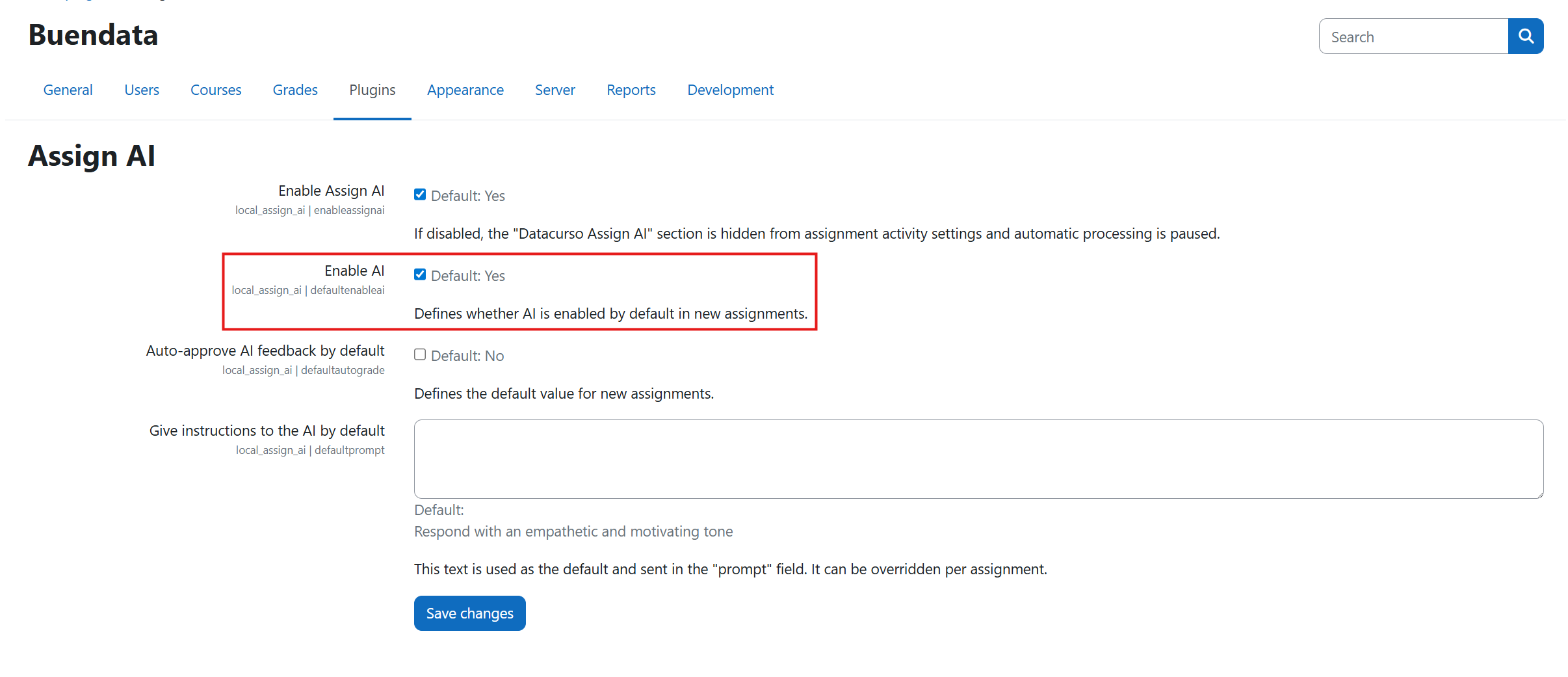
Enable AI
This setting controls whether AI-based grading and feedback are enabled by default.
When set to No, AI functions do not run in assignments unless enabled through allowed local configuration rules.
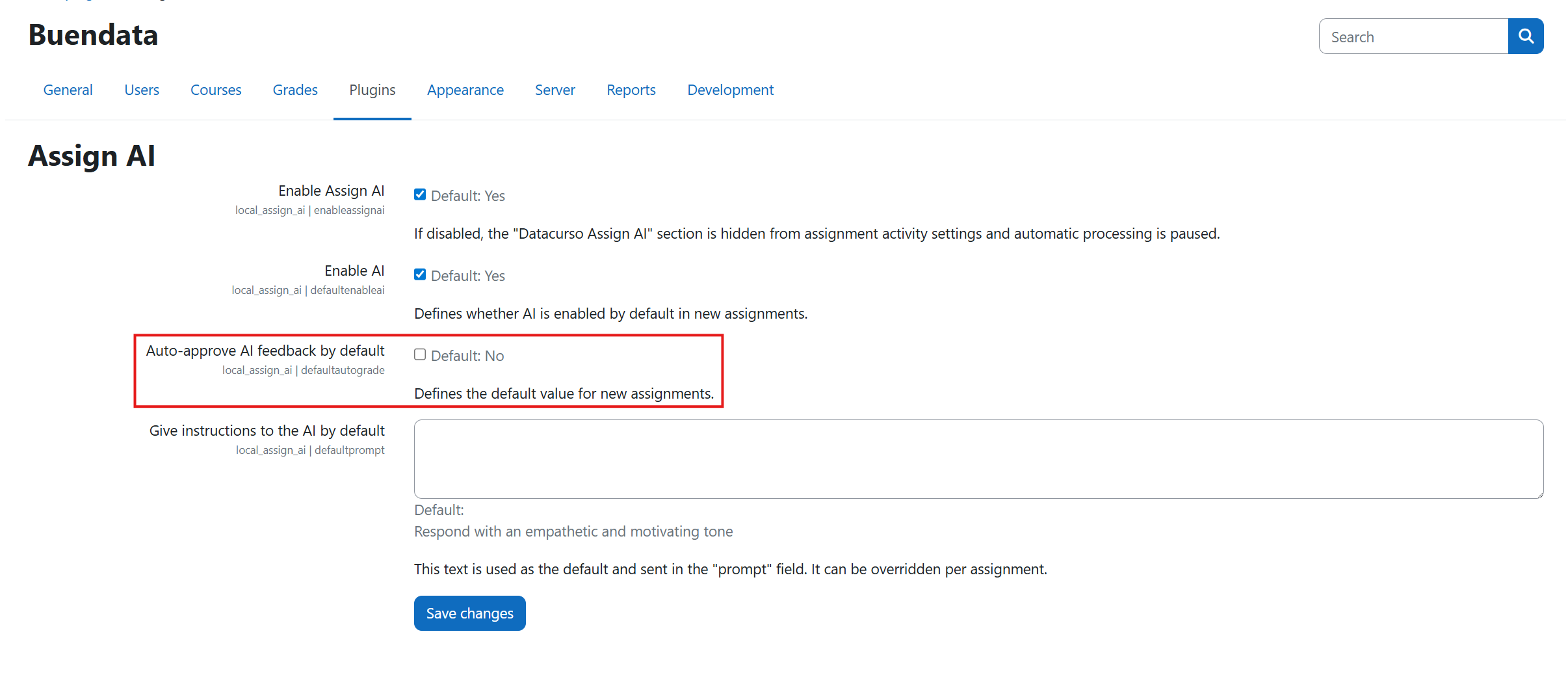
Auto-approve AI feedback: No
When Auto-approve AI feedback is set to No, AI-generated grading and feedback are not published automatically.
Teachers must review and approve outcomes before students can see final results.
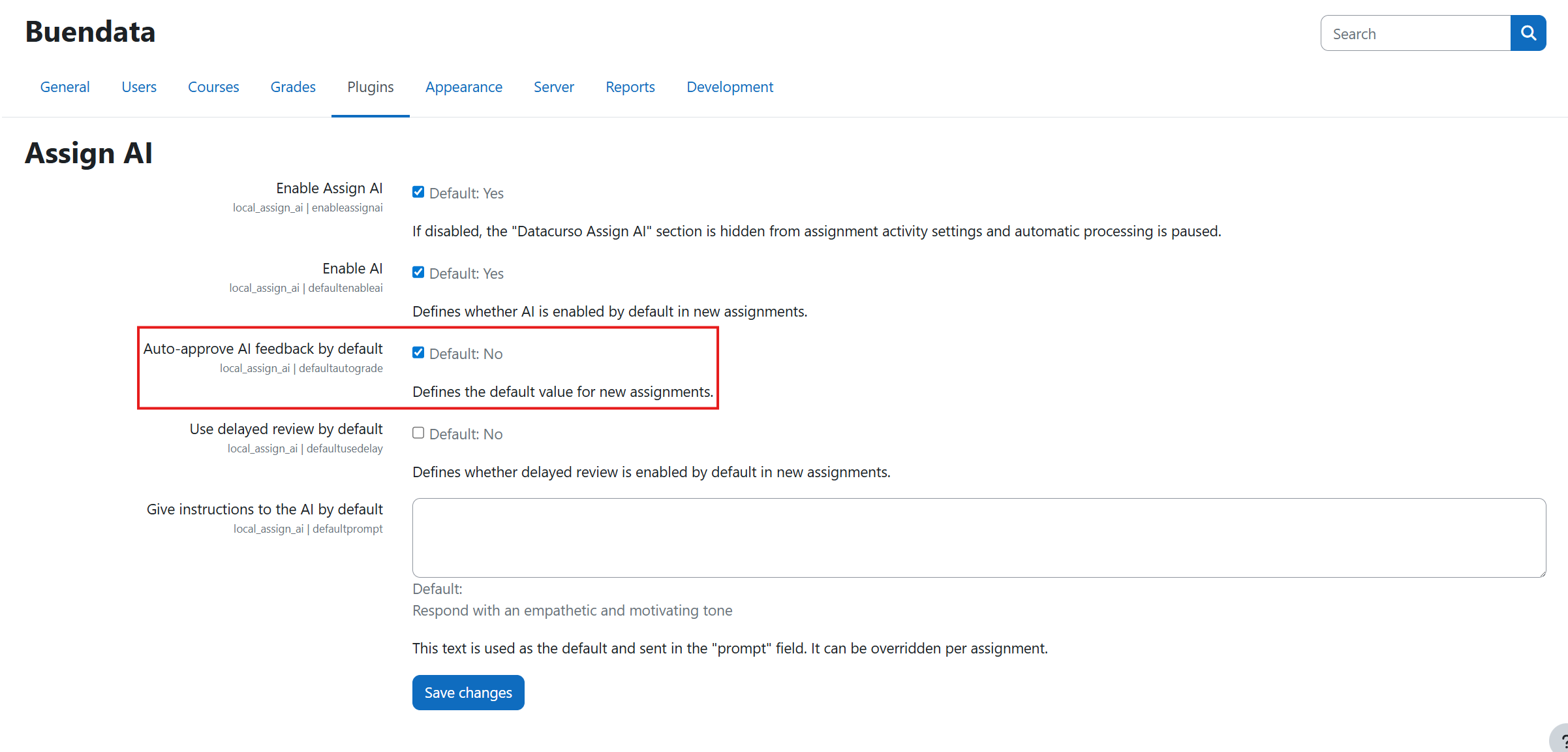
Auto-approve AI feedback: Yes
When Auto-approve AI feedback is set to Yes, AI-generated grading and feedback are approved automatically.
This speeds up publication in high-volume courses.
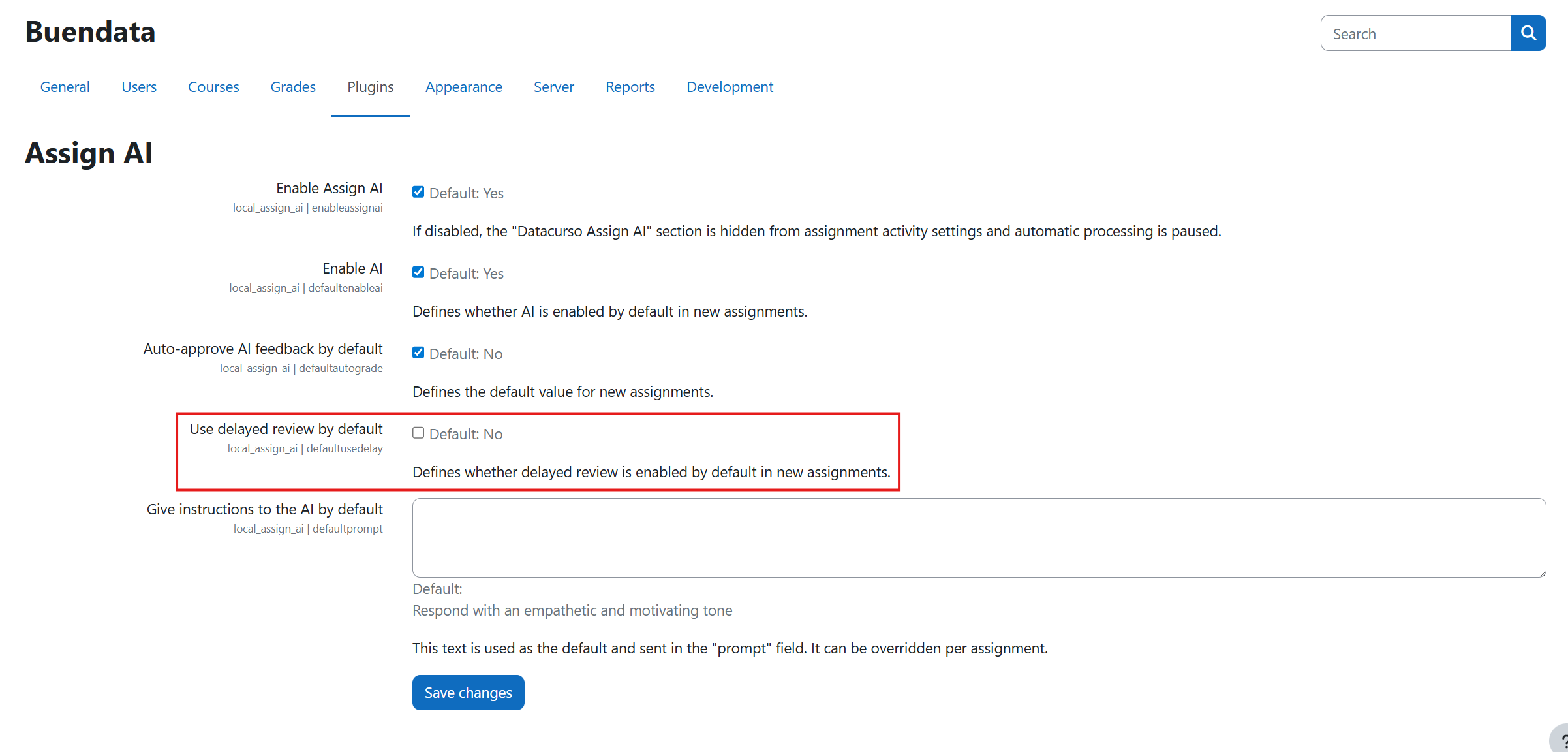
Delayed review: No
When Use delayed review is set to No, publication happens as soon as AI processing is complete (depending on approval mode).
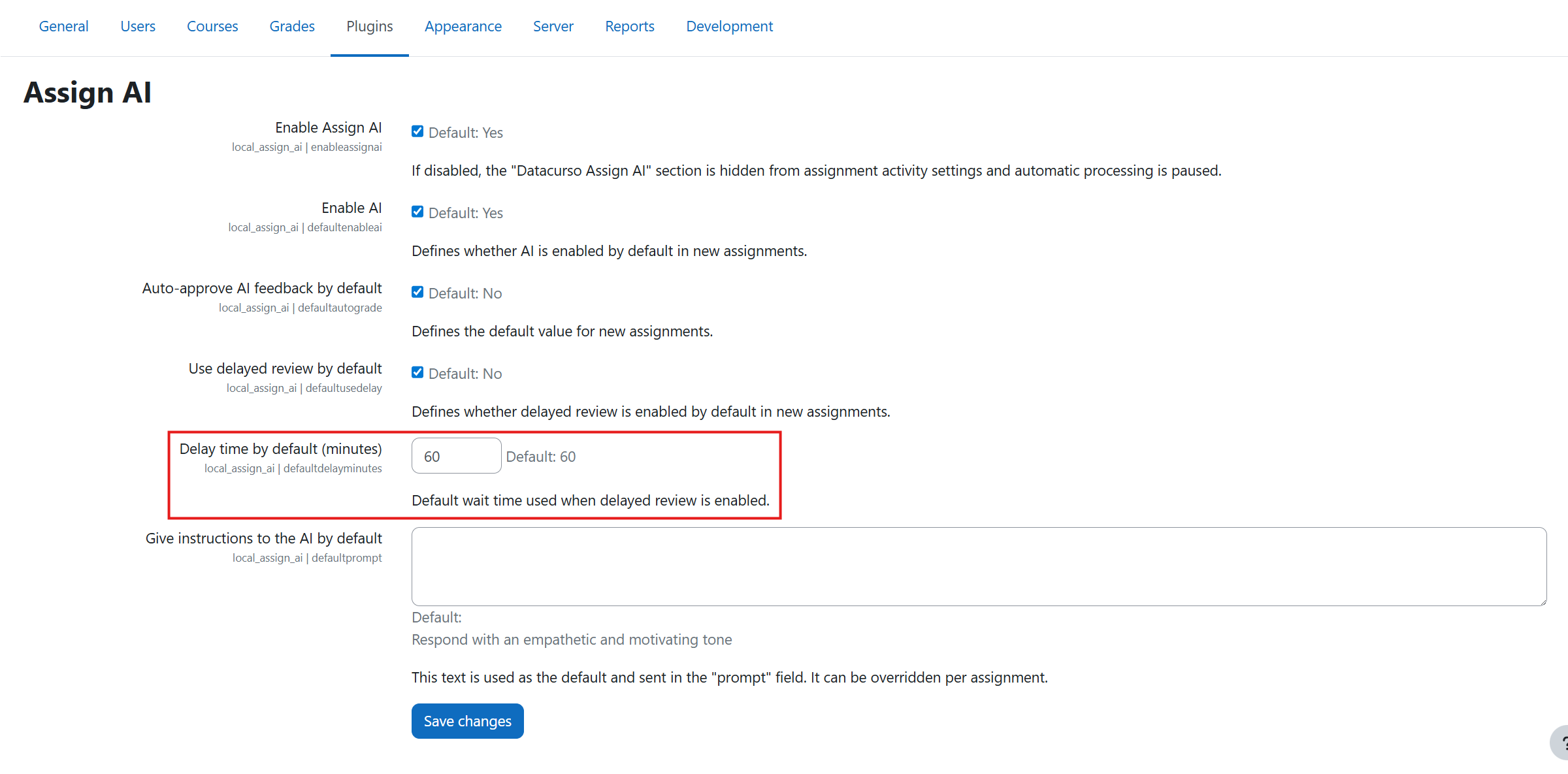
Delayed review: Yes
When Use delayed review is set to Yes, a delay time field appears.
Define how many minutes the system waits after AI processing before publishing grading and feedback.
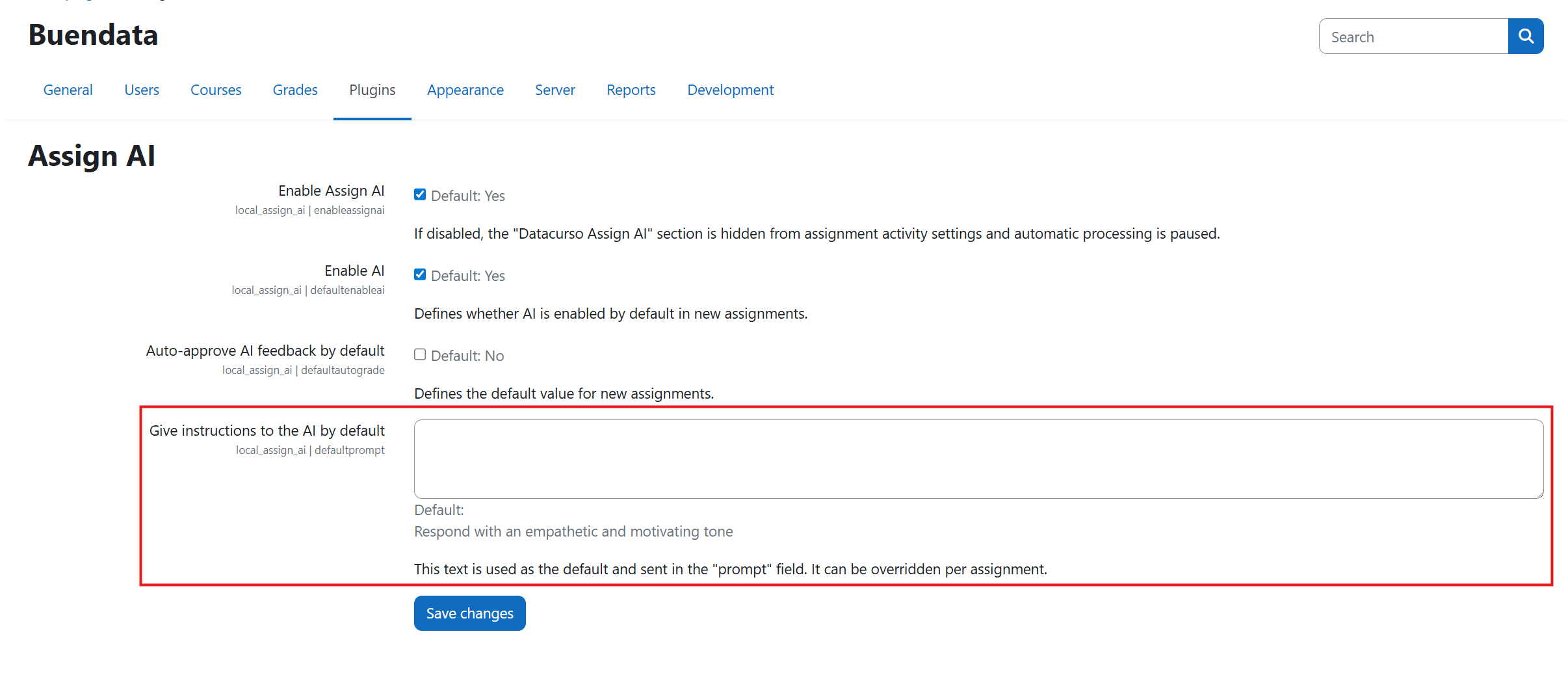
Extra instructions for AI
This field lets administrators define global guidance for AI outputs.
Use it to enforce institutional tone, evaluation emphasis, and minimum quality criteria for grading and feedback suggestions.
Important note about global vs per-assignment settings
All options in this page are global defaults.
If you need a custom setup for a specific assignment, configure the activity-level settings described in Configure AI functions.