Plugin Activation
Once the plugin is installed, it will be necessary to activate it using the license key provided in the plugin store. To do this, follow these steps:
-
Access Datacurso Client Area and click on the service you want to activate, in this case,
Epayco for Moodle LMS.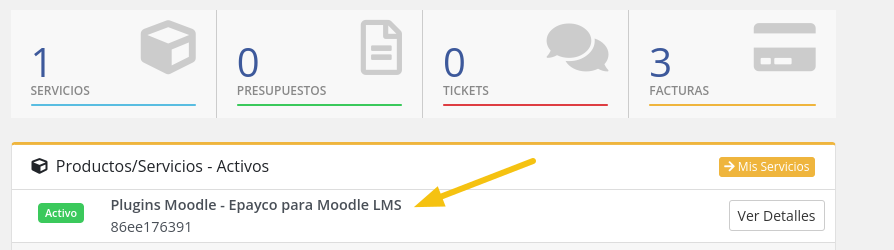
-
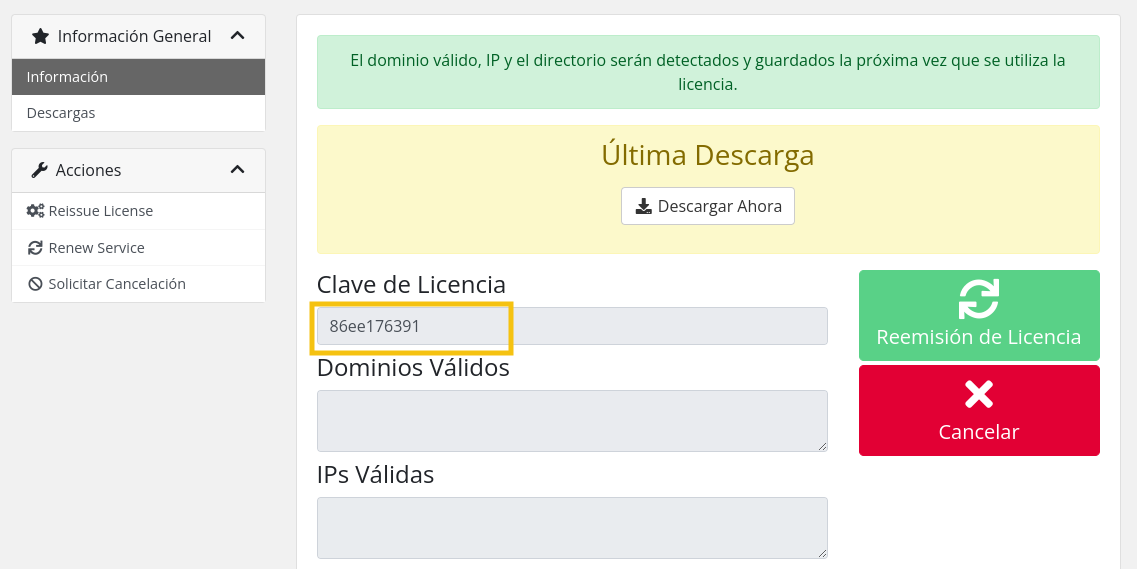
Copy the license key.
-
On your Moodle platform, go to
Site administration > Plugins > Payment gateways > Epayco.
-
Paste the license key in the
License keyfield and clickSave changes.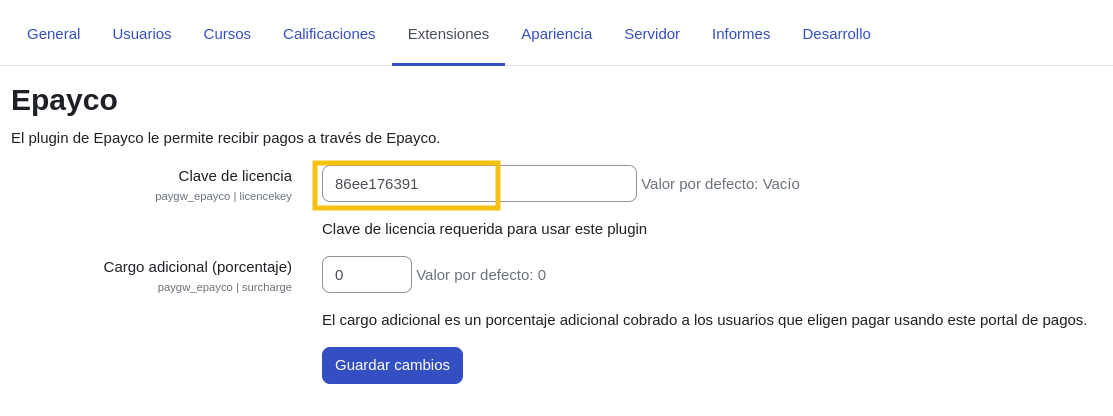
-
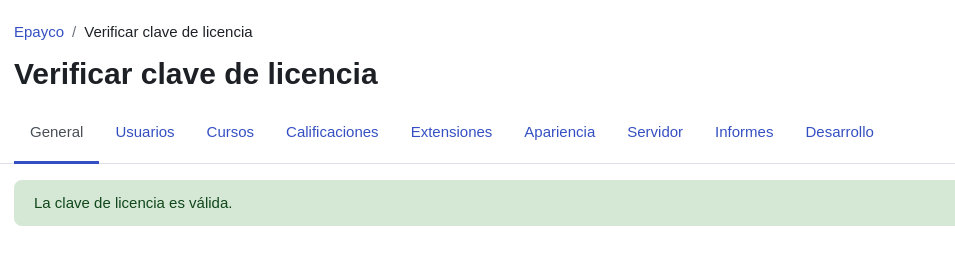
To validate if the license was activated correctly, access
Site administration > General > Epayco > Verify license key.
-
If the license was activated correctly, you will see a confirmation message.