Course Creator AI plugin permissions
The following table summarises the main permissions used by the Course Creator AI plugin and their default role assignments.
| Name | Description | Default roles |
|---|---|---|
local/coursegen:view_syllabus | View and download the syllabus file used by the AI in the course configuration. | Manager, Editing teacher |
local/coursegen:managesysteminstructions | Manage system instructions (create, edit, delete base AI prompts). | Manager |
local/coursegen:createcoursewithai | Create complete courses using AI. | Manager |
local/coursegen:createactivitywithai | Create activities within a course using AI. | Manager, Editing teacher |
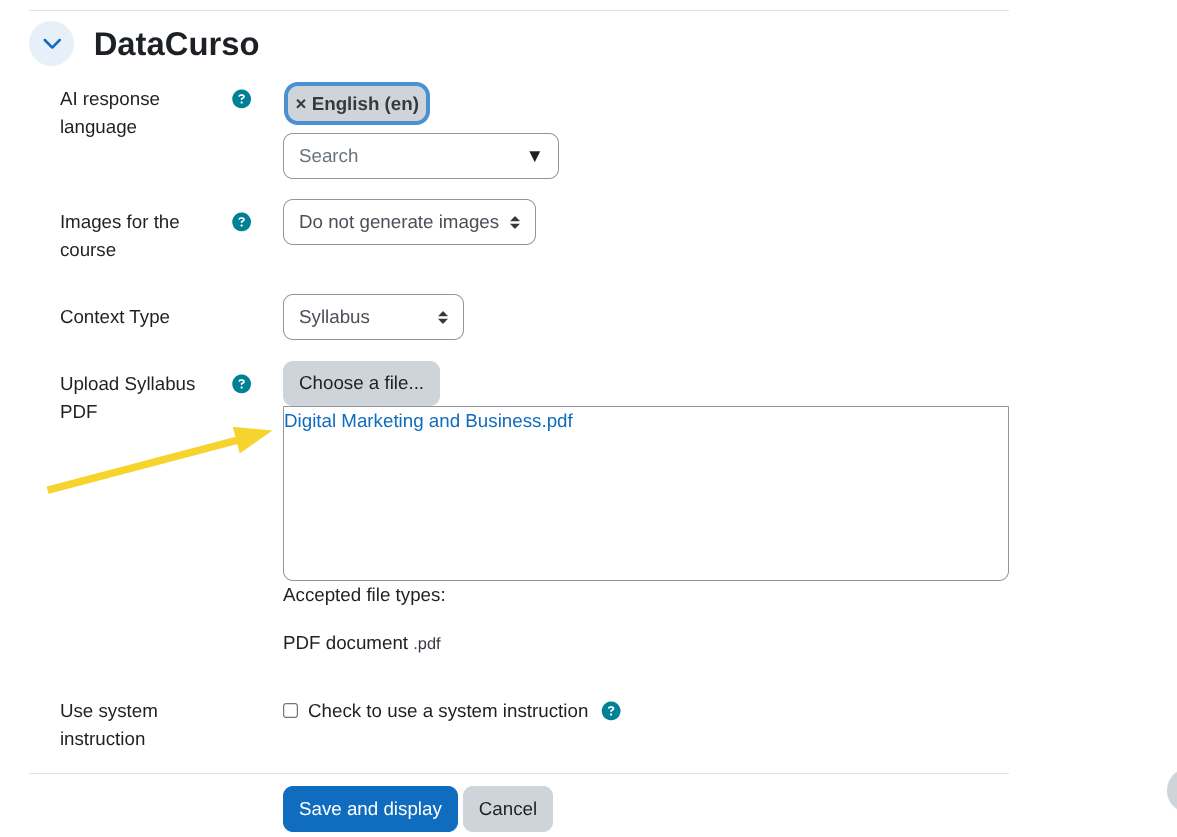
local/coursegen:view_syllabus
Allows users to view and download the syllabus file uploaded in the course configuration.
With this permission, a user can:
- View the uploaded syllabus PDF.
- Download the syllabus used by the AI as course context.
local/coursegen:managesysteminstructions
Allows users to manage the system instructions (base AI prompts).
Users with this permission can:
- Create new system instructions.
- Edit existing instructions.
- Delete instructions.
- Access the system instructions management page.
This permission is intended primarily for administrative roles within the platform.

local/coursegen:createcoursewithai
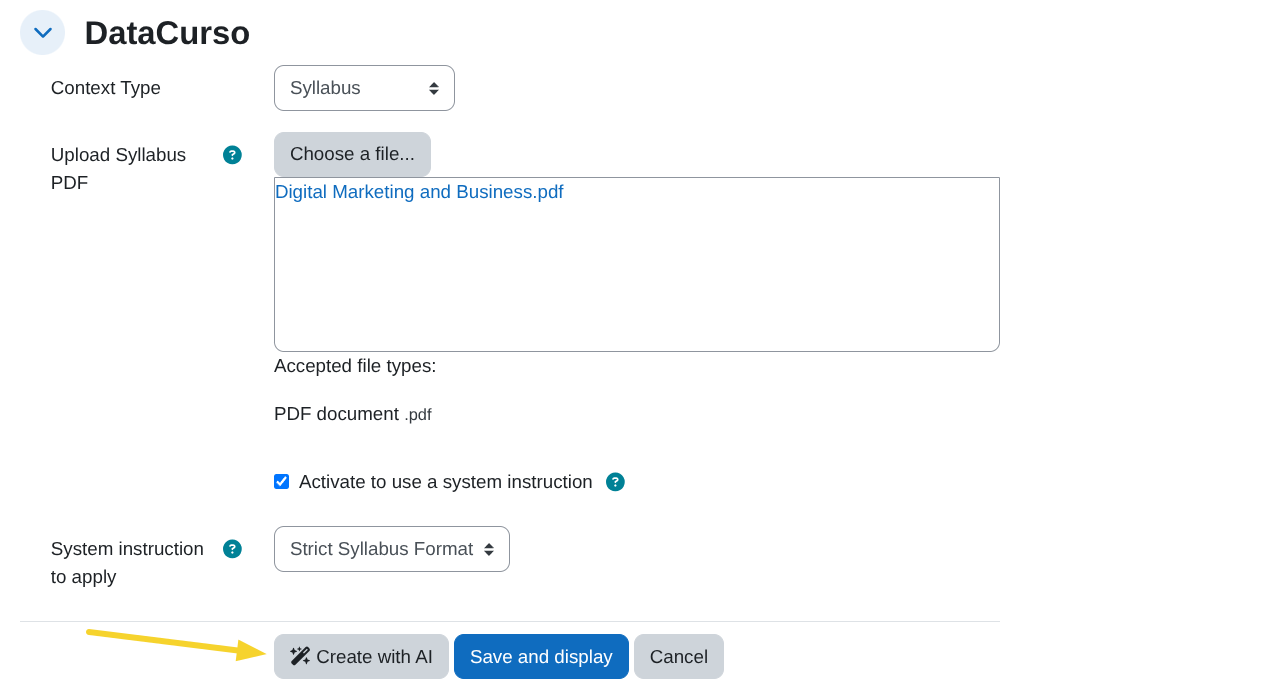
Allows users to see the Create with AI button to generate complete courses using AI.
Only users with this permission will be able to access and use this functionality.
local/coursegen:createactivitywithai
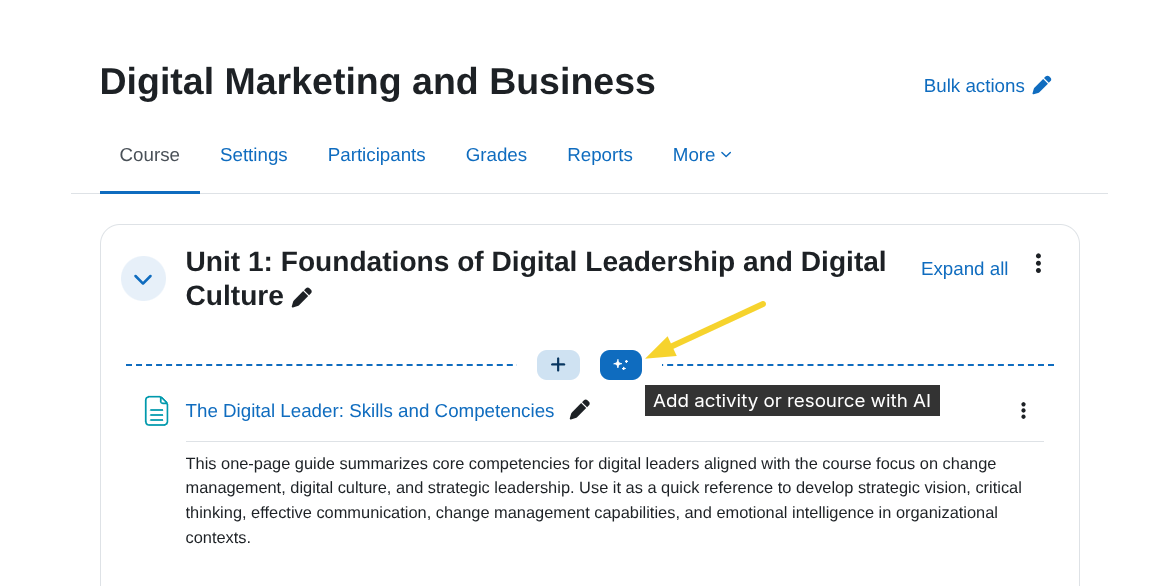
Allows users to see the Add activity or resource with AI button inside a course section.
With this permission, users can:
- Create activities or resources directly within a course section using AI.