Manage system instructions
System instructions let you define reusable guidance that reinforces the selected context (Syllabus or Custom prompt) when creating a course.
They describe how the AI should generate content: tone, structure, level of detail, constraints, and specific rules that must always be respected while producing sections, activities, and resources.
To manage system instructions:
- Log in to your Moodle site as an admin and go to
Site administration > Plugins > Course Creator AI > Manage system instructions.

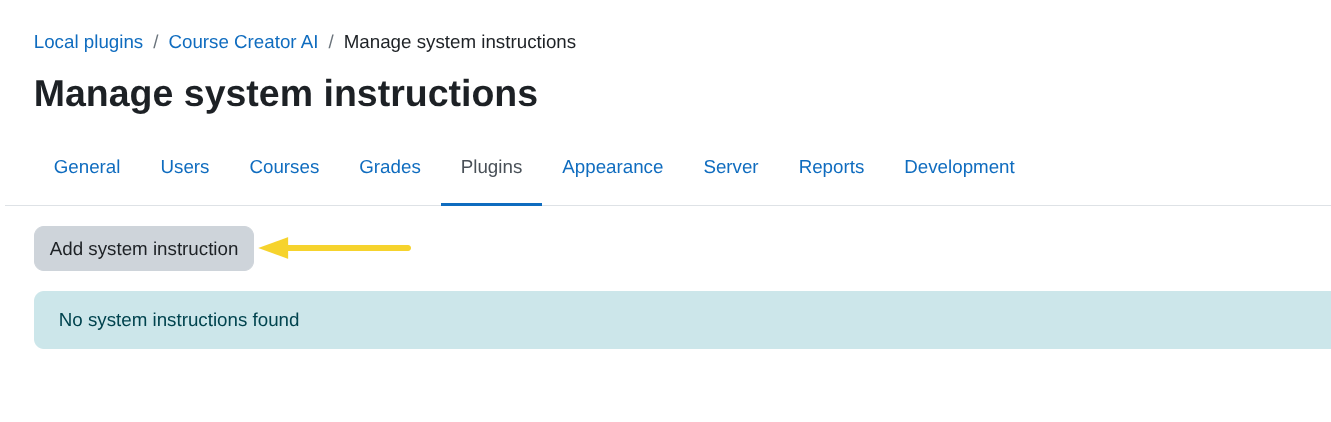
- Click on
Add new system instructionto create a new instruction.
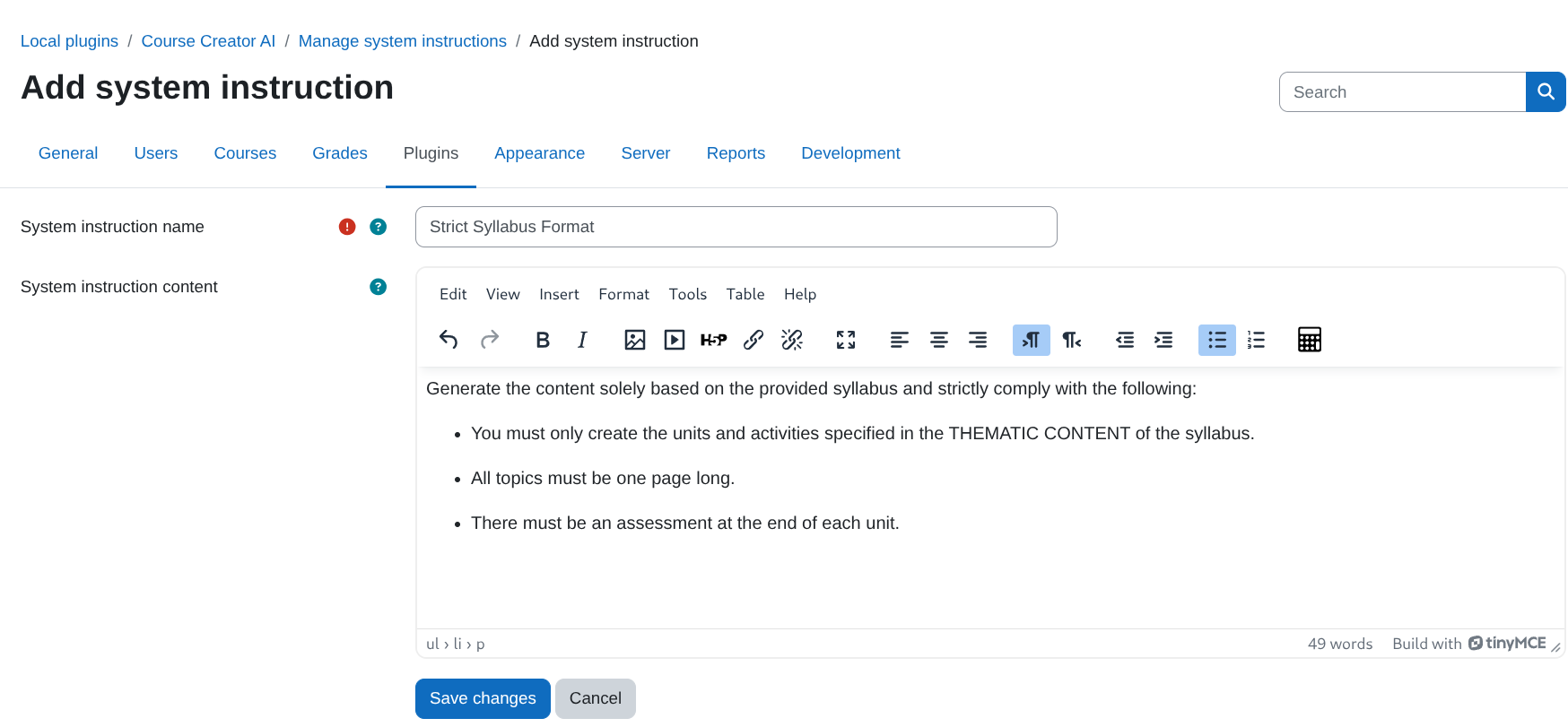
- Fill in the form fields:
- Name: Enter a clear name for the system instruction you will reuse across courses.
- Description: Provide detailed rules and guidelines the AI must follow when generating course content (e.g. structure of sections and activities, constraints, etc.).
- Click on
Save changes.
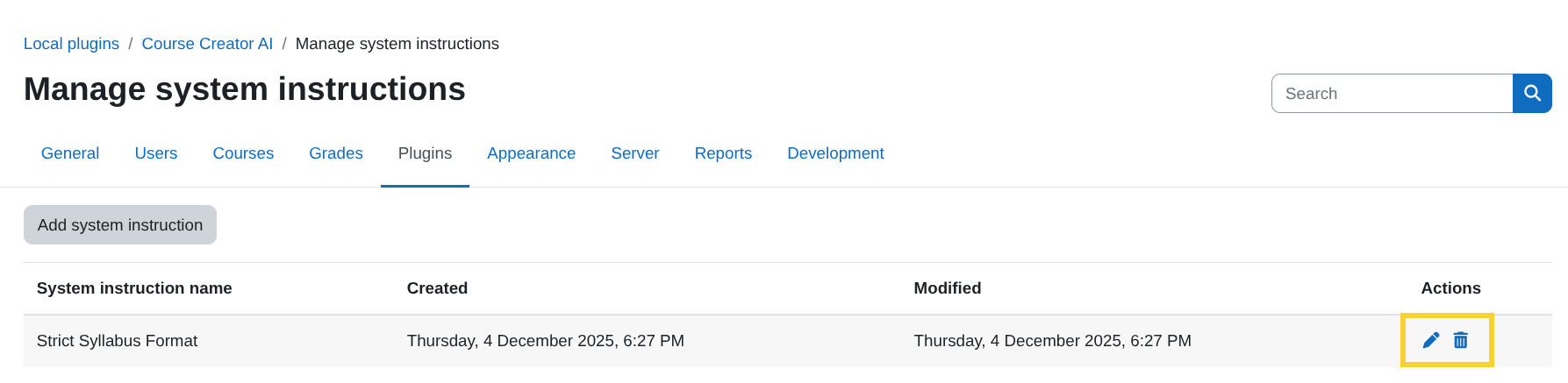
- You can edit or delete system instructions at any time with the
EditandDeletebuttons from the Manage system instructions page.