Usage
Once configured, users will see a floating WhatsApp button on all Moodle pages.
Button Position
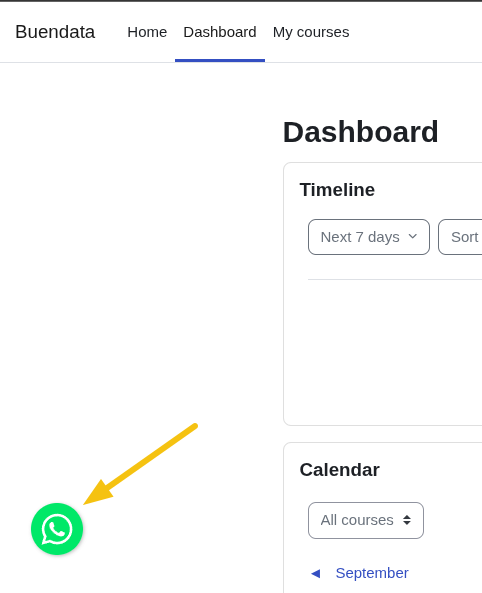
If the position is set to Left, the button will be displayed on the bottom left side of the page.
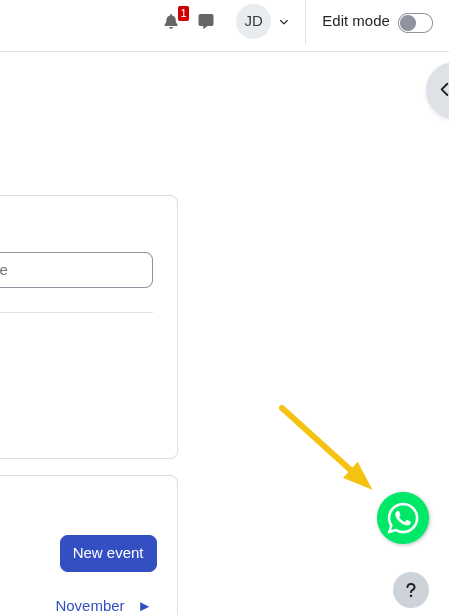
If set to Right, it will appear on the bottom right side of the page.
Chat Interaction
When the button is clicked:
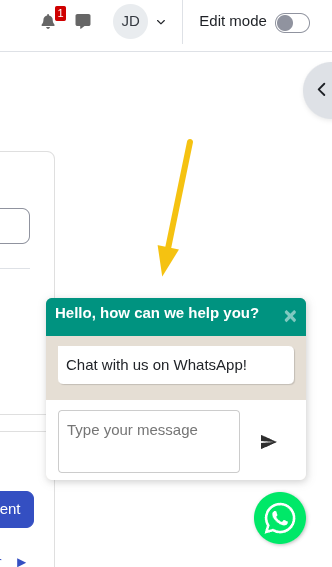
- A chat popup window opens with your configured header title.
- Users can type their message in the provided text input.
- Clicking "Send" opens WhatsApp with a pre-filled message to your configured phone number.
The plugin enhances user engagement by providing an immediate communication channel for support inquiries, feedback, or general questions.