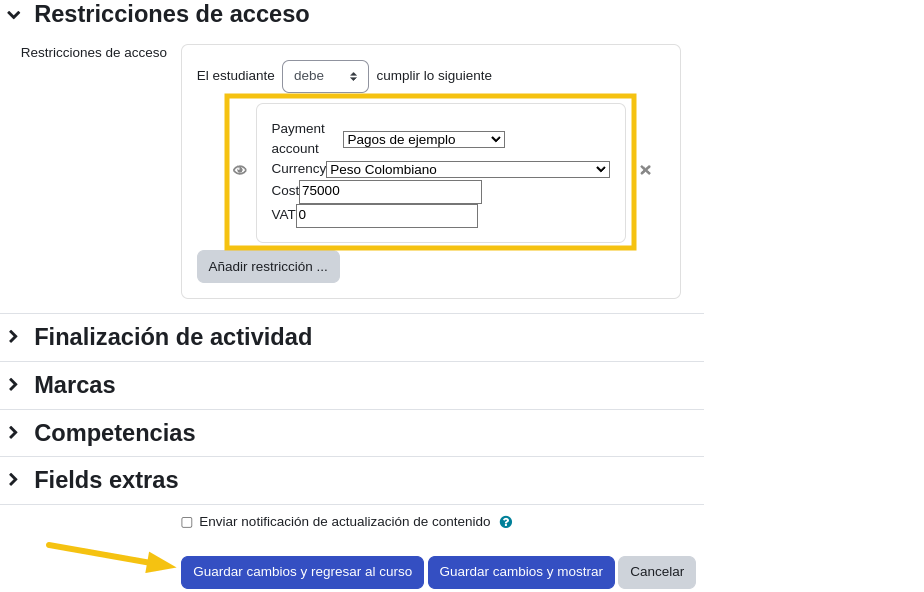
Configuration for Activities
REQUIRED: To use this functionality, you must have the Availability Gateway Payments plugin installed.
If the plugin is installed, you can follow these steps:
-
Create an activity in a Moodle course (e.g., a certificate).
-
In the activity settings, locate the
Access restrictionssection and click theAdd restrictionbutton.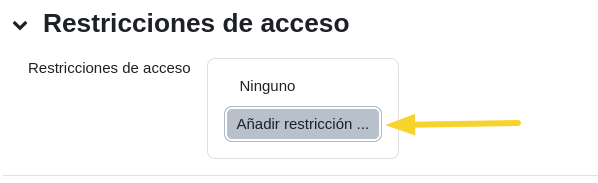
-
Click on the
PaymentS paymentoption.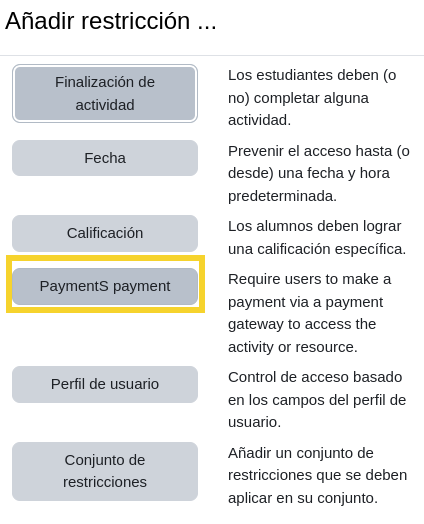
-
Configure the relevant data, such as:
- Payment reference currency.
- Activity cost (e.g., for a certificate).
- VAT taxes to be charged.