Usage Instructions
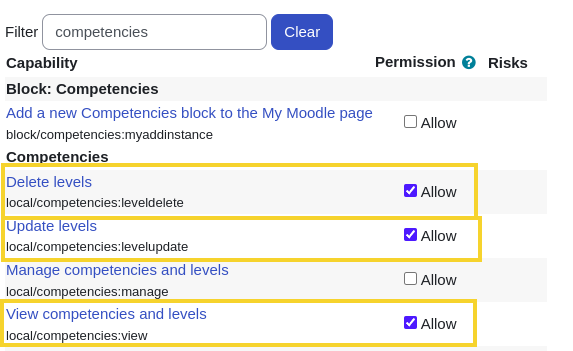
Verify User Permissions
To manage competencies and levels, ensure the user has the appropriate permissions.
- Navigate to
Site administration > Users > Permissions > Define roles. - Select the role you wish to validate or update and click the edit icon.

Create Competency Levels
Before assigning levels to competencies, you must define the levels themselves.
- Navigate to
Site administration > General > Local competencies > Competency levels.

- Click the Add new competency level button.
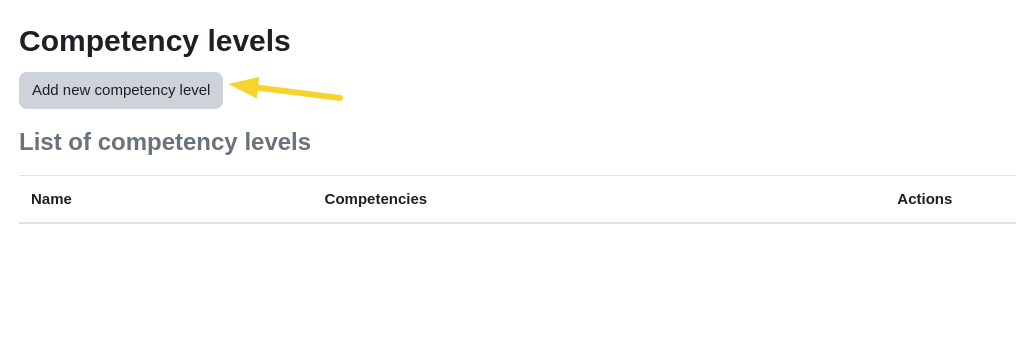
- Assign a name to the level and save the changes.
Assign Levels to Competencies
- Navigate to
Site administration > General > Local competencies > Competencies.
This view will display all existing competencies in your system.
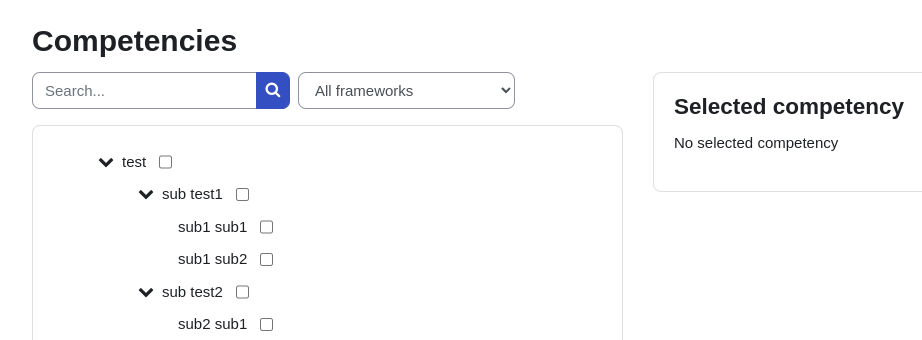
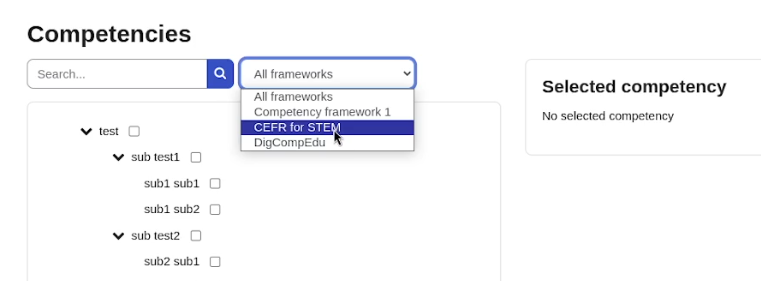
- You can filter competencies by framework using the top menu.
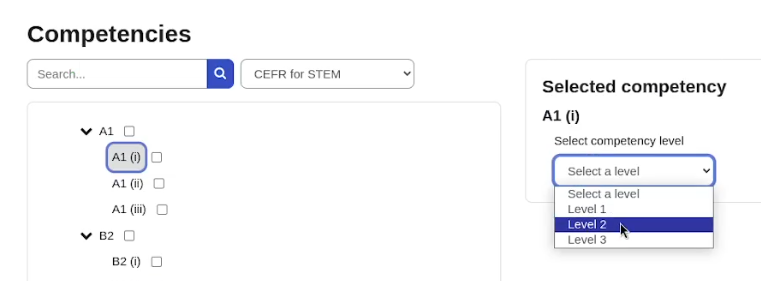
Individual Assignment
Assign a level to a single competency using the individual action menu.
Bulk Assignment
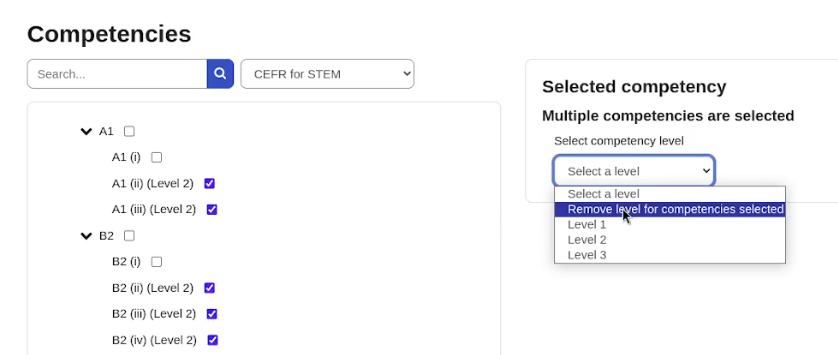
Select multiple competencies using the checkboxes and choose the level to apply to all selected items at once.
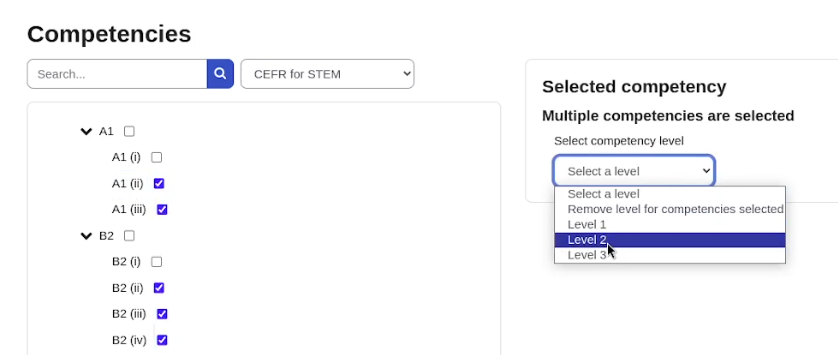
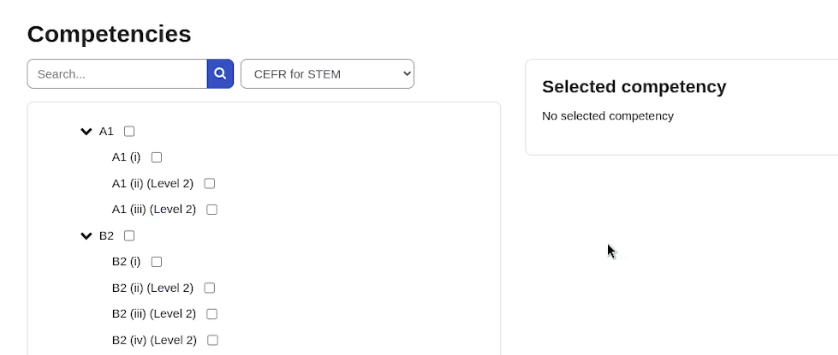
Bulk Removal
You can also remove levels in bulk by selecting the competencies and choosing the removal option.